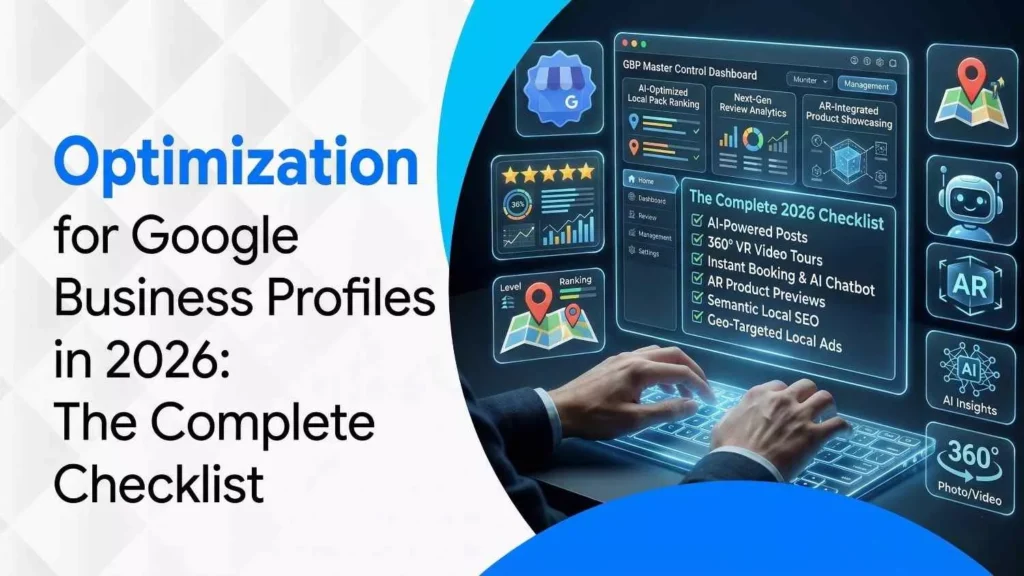
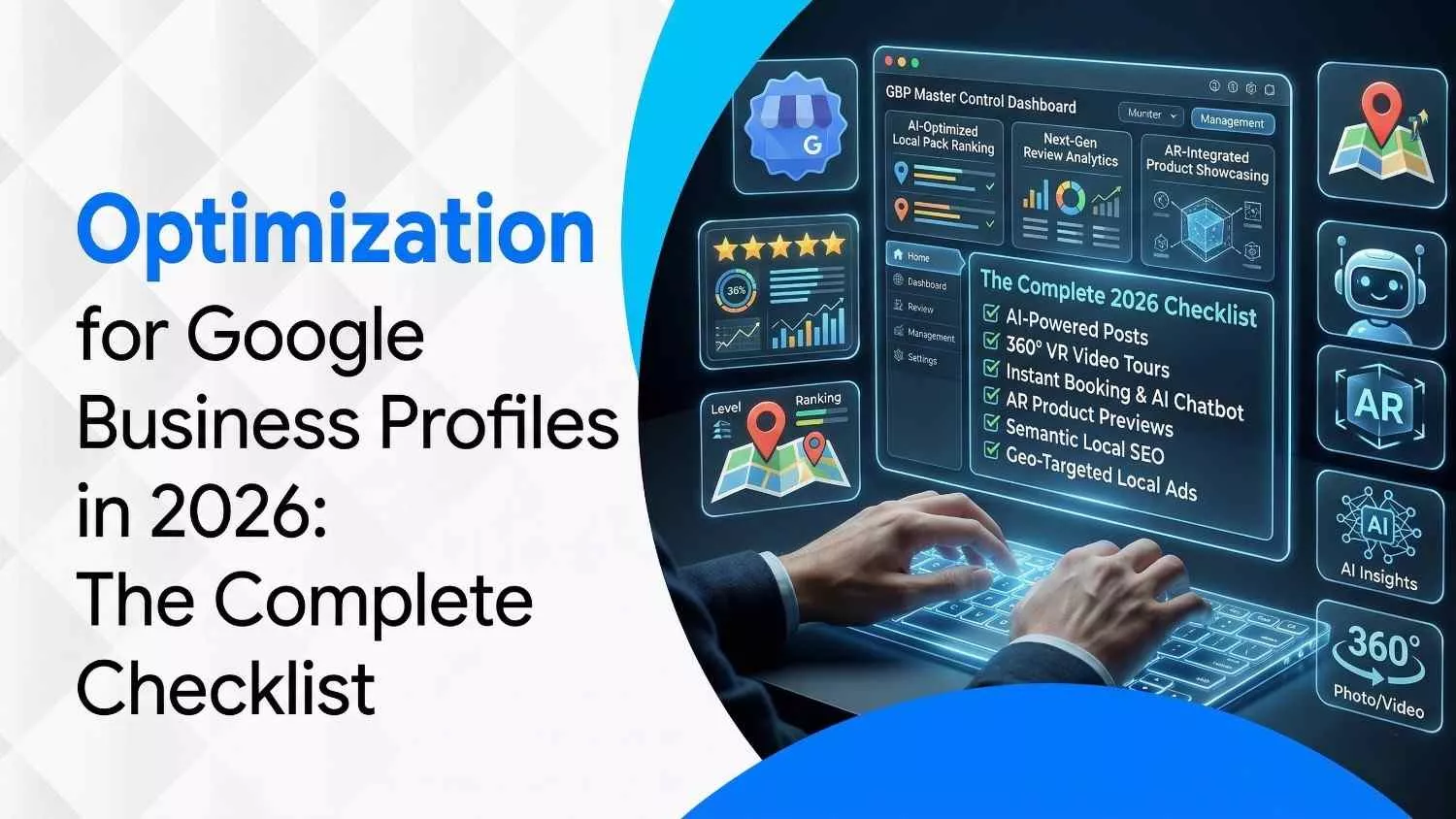
Google Business Profile Optimization in 2026: The Complete Checklist
March 23, 2026
| Khadija Raees | Reviewed by Haseeb Hamdani
Reading Time: 7 minutes
Table Of Contents
- Why Optimize Your Google Business Profile?
- 1. Foundations: Claiming & Verifying Your Profile
- 2. Foundations Checklist
- 3. Proof & Trust Signals
- 4. Relevance & Detailed Services
- 5. Engagement & Social Signals
- 6. Conversion Optimization
- 7. Measure & Iterate
- 8. Avoid Suspensions & Stay Compliant
- 9. Generative Engine Optimization (GEO) & AI Trends for 2026
- Ranking Factors in 2026: What Matters Most
- Conclusion
- Frequently Asked Questions (FAQ)
In 2026 Google Business Profile optimization isn’t optional; it’s the engine that powers visibility for brick‑and‑mortar and service‑area businesses. Google’s platform has evolved from a simple listing tool to an AI‑assisted marketing hub.
Profiles now feed data to generative models like Gemini, answer local queries through Ask Maps, and influence which businesses appear in the Local Pack, Maps and voice‑assistant results. The removal of chat and call history (July 31 2024) means your profile must be structured around clicks, calls and bookings. This guide provides a comprehensive checklist based on official Google guidance and industry insights for 2026, ensuring your profile becomes a conversion‑driving asset.
Why Optimize Your Google Business Profile?
- Improved rankings and visibility: An optimized profile increases the chance of appearing in the Local Pack and Local Finder, which are powerful sources of leads.
- Enhanced brand control: A complete profile lets you control how your business appears in search results, with accurate information and strong visual assets.
- More conversions: Customers can call, message or get directions directly from your profile, turning searches into bookings, appointments or visits.
- Trust and authority signals: Reviews, photos, and consistent information build trust and signal prominence, key ranking factors.
Pro tip: Treat your profile as your digital storefront. In 2026, it often becomes the first (and sometimes only) impression customers have of your business.
1. Foundations: Claiming & Verifying Your Profile
1.1 Claim or create your profile
You can’t edit or optimize without ownership. Claiming your listing confirms you are the business owner and prevents fraudulent edits. If a listing already exists, click “Own this business?” and follow the verification prompts.
1.2 Verify with Google’s approved methods
Google chooses which verification methods are available to each business. Options include postcard, phone, email, instant verification, bulk verification, live video calls, video recordings and photo uploads. Verification ensures Google can confirm your location and that you’re authorized to manage the profile. After verification:
- You can make changes to your business info, upload photos, respond to reviews and see performance insights.
- Verified businesses are twice as likely to be considered reputable by users.
Pro tip: Keep proof of your business (utility bills, licenses) handy in case Google asks for additional documentation.
1.3 Follow Google’s representation guidelines
Google’s official guidelines emphasize accuracy and consistency:
- Represent your business as it’s recognized in the real world.
- Provide a precise address or service area, and choose only a primary category and up to nine secondary categories that truly represent your core services.
- Avoid keyword stuffing or adding extra details to your business name.
- Ensure your NAP (name, address, phone) is consistent across all platforms.
2. Foundations Checklist
Use this quick checklist to cover the basics before optimizing further:
| Item | Why it matters | Priority |
|---|---|---|
| Accurate business name, address/service area and phone number | Ensures trust and eligibility for local rankings | High |
| Correct primary & secondary categories | Helps Google match you to “near me” searches | High |
| Business description | Explains what you do, who you serve and what makes you different | High |
| Hours (including holidays) | Keeps customers informed; inaccurate hours lead to suspensions | High |
| Basic services/products listed | “Teach” Google what you offer | High |
| Website link & booking URLs | Drives conversion actions | Medium |
| Attributes (e.g., wheelchair access, payment types) | Helps meet specific user needs | Medium |
| Business photos & videos | Prove legitimacy and show your space | High |
3. Proof & Trust Signals
3.1 Photos and videos
High‑quality visuals increase engagement and signal authenticity:
- Upload exterior, interior, team and “in action” photos.
- Add product or service photos that reflect your most common jobs.
- Incorporate short videos and 360° tours; Google’s Vision AI now scans images to understand services.
- Update visuals seasonally.
3.2 Reviews and responses
Reviews remain a top-ranking factor and trust signal:
- Encourage customers to leave honest reviews. Verified businesses with more reviews and higher ratings typically outrank competitors.
- Reply thoughtfully to every review, even positive ones, showing you value feedback.
- Flag reviews that violate Google’s policies instead of arguing.
- Ask reviewers to mention specifics so AI can extract facts.
3.3 Fresh posts & Q&A
Until late 2025, Google allowed users to post questions in a public Q&A. Ask Maps now answers complex questions directly via Gemini; your existing Q&A still informs responses. Posts act as mini‑updates and improve engagement:
- Post weekly updates about specials, events or tips.
- Highlight seasonal offerings
- Answer common questions in your website’s FAQ and ensure the information matches your profile; AI pulls from both sources.
Pro tip: Use structured FAQs on your website with LocalBusiness schema to feed AI accurate answers.
4. Relevance & Detailed Services
Google determines relevance by matching your profile to search intent:
- Services/products: Fill out services and products sections using plain language so customers and AI understand what you offer. Don’t use jargon; e.g., list “water heater repair” instead of “hydro‑therm maintenance.”
- Menu items or booking links: Restaurants and service businesses should add menus or booking buttons if available.
- Attributes & accessibility: Select attributes like “wheelchair accessible” or “kids’ play area” to attract specific audiences.
5. Engagement & Social Signals
The 2026 ranking factors emphasize engagement and credibility over simple keyword stuffing. To build engagement:
- Posts and updates: Continue posting weekly. Use a variety of formats,text, images and video.
- Q&A monitoring: Set alerts for new questions and answer promptly. While Ask Maps synthesizes data, your answers still shape how AI responds.
- Social media links: Add one link per social platform to your profile; Google cross‑references these for authenticity.
- User-generated content: Encourage customers to upload photos and short vertical videos. Google displays these as “stories,” boosting interactivity.
6. Conversion Optimization
Customers should be able to act in 10 seconds or less. Focus on:
- Website URL: Point to a service‑specific landing page rather than your home page.
- Booking and ordering links: Enable Reserve with Google or third‑party booking if applicable.
- Phone calls: Ensure the call button works on mobile; chat and call history features were removed in July 2024.
- Driving directions: Keep your pin location accurate; update addresses and geocode for new branches.
- UTM tracking: Use UTM parameters on your website link to track performance and conversions.
7. Measure & Iterate
7.1 Performance insights
A “set it and forget it” approach no longer works. In 2026, performance data is your compass:
- Download monthly performance reports.
- Add UTM tags so website traffic is labelled correctly.
- Track metrics beyond “views”: calls, direction requests and bookings.
7.2 Weekly and monthly routines
A consistent maintenance schedule keeps your profile fresh and protects you from unwanted edits. Follow this routine:
Weekly (30 minutes)
- Check for edits and fix inaccurate information.
- Reply to new reviews in a calm, helpful tone.
- Post one update (offer, event, reminder or new photo).
- Add 2–5 new photos or a short video.
- Scan your Q&A or Ask Maps insights and answer any outstanding questions.
Monthly “clean up.”
- Review categories and services; add what’s new and remove what’s outdated.
- Update photos to match the season and current team.
- Compare your listing to top competitors (photo volume, review count, services).
- Audit your website landing page to ensure it aligns with your primary category and top
8. Avoid Suspensions & Stay Compliant
Google suspends profiles that violate its guidelines. Avoid these pitfalls:
- Keyword stuffing: Don’t add keywords to your business name.
- Inconsistent NAP: Ensure your name, address and phone number are identical across your website, directories and signage.
- Overpromising in categories: Choose only categories you legitimately serve.
- Spammy practices: Suggest competitor edits only when you have clear evidence.
If your profile is suspended or details are rejected, revisit Google’s representation guidelines. Remove misleading content and prepare documentation to prove your business’s legitimacy.
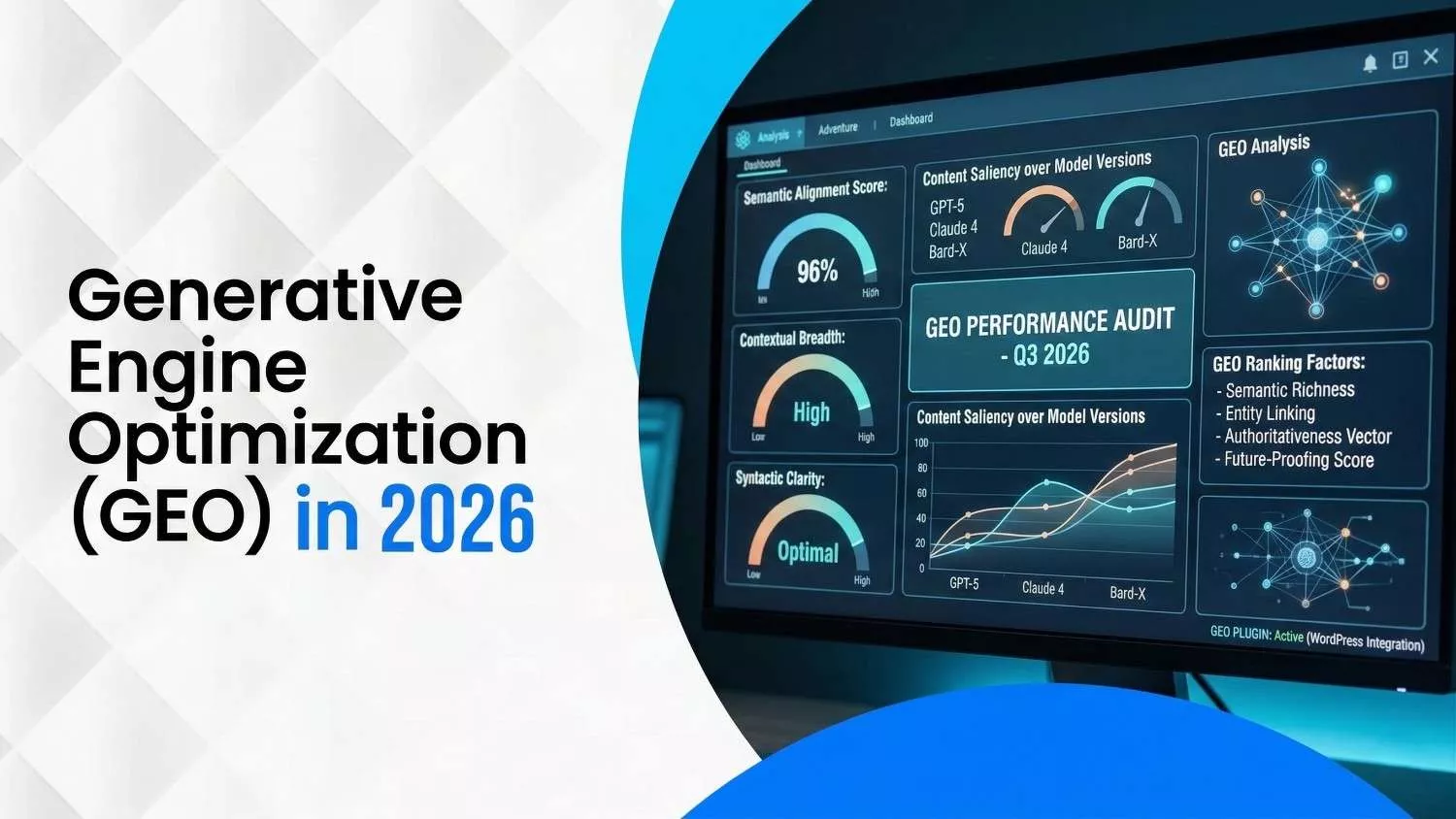
9. Generative Engine Optimization (GEO) & AI Trends for 2026
The local search landscape is rapidly shifting toward Generative Engine Optimization, optimizing your data for AI assistants rather than just traditional search. Key trends include:
- Ask Maps & Gemini integration: Google launched Ask Maps, a conversational feature that answers complex questions and personalizes recommendations using Gemini models. This feature draws from your profile, website and reviews. Businesses should provide accurate, detailed information and encourage reviews mentioning specific amenities.
- Retirement of traditional Q&A: Google is transitioning from manually curated Q&A to aggregated answers; existing Q&A still informs AI responses.
- Visual SEO & AR experiences: Immersive content like 360° tours, panoramic images and short vertical videos is now a ranking pillar. Google’s Vision AI reads your images to infer services and expertise.
- Engagement & social signals as ranking factors: Local ranking factors report notes that behavioural signals (clicks, calls, direction requests), social activity and AI search signals now outweigh simple keyword optimization.
- AI‑generated content in profiles: Google’s dashboard can suggest AI‑generated business descriptions, menus and posts. Always review and edit these drafts to ensure accuracy and inject hyperlocal keywords.
Pro tip: Encourage customers to upload vertical videos or photos showing your services. These user‑generated “stories” feed directly into Ask Maps and local search results.
Ranking Factors in 2026: What Matters Most
Based on the 2026 Local Search Ranking Factors report and Google guidance, the most influential factors are:
- Engagement & behavioural signals: Frequency of posts, photo uploads, clicks on calls/directions, and response time to reviews.
- Proximity: How close your business is to the searcher’s location.
- Relevance: How well your categories, services and description match the search intent.
- Prominence: Review count, average rating, brand mentions across the web, and high‑quality backlinks.
- AI and social signals: Activity on social media platforms linked to your profile and the richness of information for generative models.
Focusing on these factors will give your profile the best chance to rank in the Local Pack and capture AI‑driven search visibility.
Conclusion
Optimizing a Google Business Profile in 2026 requires a blend of accuracy, engagement and AI‑readiness. Claim and verify your profile, build a strong foundation with complete and accurate information, and continually feed your profile with fresh content, reviews and visuals. Embrace new features like Ask Maps and immersive visual content, and monitor performance metrics to iterate. By staying active and aligning with Google’s guidelines, your profile will not only rank higher but convert more searchers into loyal customers.
Ready to boost your local visibility?
Contact our team for a custom Google Business Profile audit and optimization plan. We’ll review your listing, benchmark it against competitors, and craft a strategy that leverages AI‑driven features to bring more customers through your door. Let’s start optimizing today!
Frequently Asked Questions (FAQ)
How often should I post on Google Business Profile?
Once a week is ideal; at minimum, post twice a month. Frequent posts keep your profile active and supply fresh data for AI features.
Do posts directly affect rankings?
Posts influence engagement and conversion rather than rankings. They give customers timely information that can drive clicks and calls, indirectly boosting prominence signals.
How many photos does my profile need?
Start with 15–30 high‑quality photos and add new ones each week. Include exterior, interior, team and product images.
Why was my profile suspended?
Common causes include mismatched business name, inconsistent NAP, or misleading categories. Remove any spammy elements and follow Google’s guidelines.
Is chat still available on Google Business Profile?
No. Google removed chat and call history on July 31 2024. Focus on phone calls, direction requests, and booking links for conversions.
Disclaimer: The information provided in this blog is for general informational purposes only. For professional assistance and advice, please contact experts
Search Here
More Categories
Latest Posts

March 23, 2026
Khadija Raees
March 18, 2026
Neha Ghauri
March 13, 2026
Khadija Raees
March 10, 2026
Neha Ghauri
March 6, 2026
Neha Ghauri

About Author

Khadija Raees
Khadija Raees, a graduate in Computer Sciences, has five years of experience in SEO writing and content creation. She focuses on writing highly...