Top Free Business Directories in Canada to List Your Business
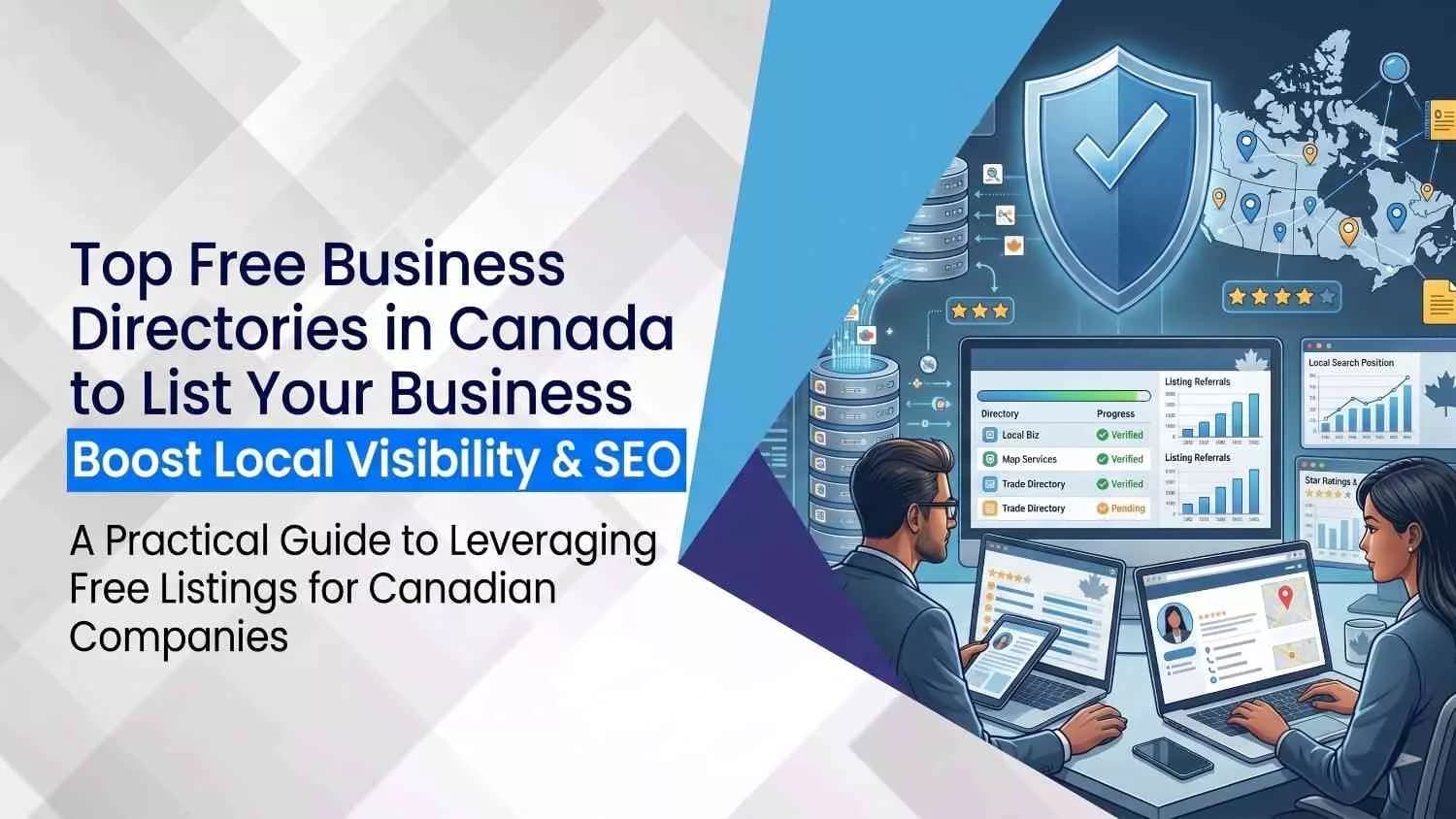
Free business directories in Canada help local customers find, trust, and contact your business online without paid ads. In 2026, the most important free places to list your business include Google Business Profile, Bing Places, Yelp, Yellow Pages, Canada411, Apple Business Connect, Facebook Pages, LinkedIn Company Pages, BBB, Hotfrog, Brownbook, and industry-specific Canadian directories.
Think of a business directory like a digital signboard. It shows your business name, address, phone number, website, hours, services, photos, and reviews. The fancy SEO term for this is a local citation, which simply means your business is mentioned online with key contact details. When these details are correct across trusted directories, search engines and customers get the same message: “Yes, this business is real, active, and safe to contact.”
This matters because Canadians do not just “find a business” anymore. They check maps, reviews, hours, photos, service areas, and contact buttons before calling, visiting, or booking. A weak or missing listing can make your business look closed, outdated, or less trustworthy than a competitor who took 20 minutes to claim their profile. Brutal? Yes. Fixable? Also yes.
This guide breaks down the top free business directories in Canada, explains why each one matters, shows what information to add, and gives practical tips to help your listing stand out in local search.
Top 13 Free Business Directories Profiles in Canada
1. Google Business Profile (formerly Google My Business)
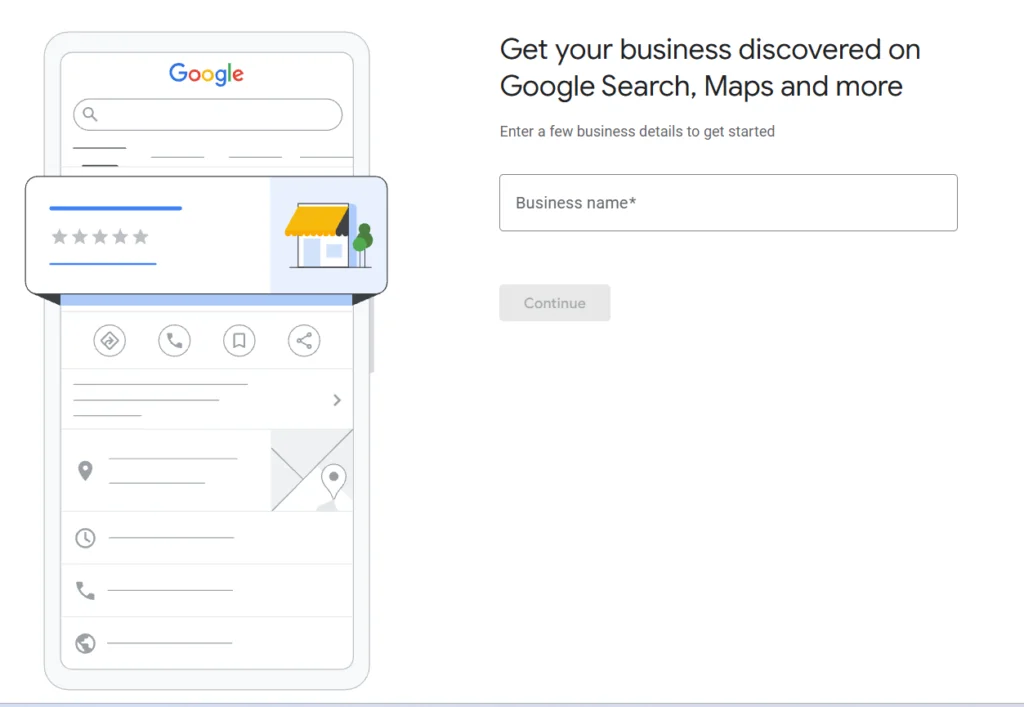
Why it matters: Over 90 % of Canadian search queries start on Google. A Google Business Profile is the cornerstone of any business listing Canada strategy. Google explains that a Business Profile lets you manage how your business appears on Maps and Search at no charge, maintain accurate information such as hours and contact details, post photos and videos and collect customer reviews.
How to get listed
- Create/Sign in: Use a Google Account and go to the Business Profile Manager. Only businesses that make face‑to‑face contact with customers are eligible.
- Add or claim your business: Search for your business name. If a profile exists, request ownership; otherwise, create a new listing.
- Verify: Google requires verification by postcard, phone, or video to ensure the address is legitimate.
- Optimize: Complete every field, description, category, services and photos. Respond to reviews and keep hours accurate.
What you get
- Free listing with rich content: Photos, hours, services and posts help you stand out in search results.
- Customer reviews: Interact directly through reviews and messages.
- Insights: See how many people view your profile, request directions or call you.
2. Bing Places for Business
Though Bing’s market share is smaller than Google’s, listing on Bing Places still captures millions of users, especially on Microsoft devices. Microsoft’s support site tells businesses to use Bing Places to claim or update your business listing in Bing Maps search results. The platform is free and allows you to add photos, videos and descriptions.
How to get listed
- Sign in: Use a Microsoft account at Bing Places for Business.
- Claim or create: Search for your business; claim an existing listing or create a new one.
- Verify: Microsoft may ask for postcard or phone verification.
- Complete your profile: Add contact details, business categories, hours and high‑resolution images.
Why list here
- Exposure to Windows and Edge users: Many Canadians use Bing by default on Windows devices.
- Integration with other Microsoft services: Listings show on Bing search, Bing Maps and voice assistants.
3. Yelp
Yelp remains one of the largest local business directories in North America. A well‑built profile can drive traffic for restaurants, salons and service businesses. A small‑business blog notes that a free Yelp listing includes your business name, address, phone number and hours; you can upload photos, respond to reviews and post updates about special offers or events. Completing your profile with photos yields 36 % more customer leads.
Steps to claim your free listing
- Search Yelp for your business and select “Claim this business”.
- Verify via phone or email to prove you’re the owner.
- Complete your profile: Add a description (up to 5,000 characters), photos and attributes like wheelchair accessibility.
- Monitor reviews and messages: Yelp allows business owners to respond publicly to reviews.
Why use Yelp
- High consumer trust: Yelp’s large user base means reviews can influence buying decisions.
- Free messaging: Customers can message you directly.
4. Yellow Pages & Canada411
Yellow Pages is one of Canada’s oldest business directories, now available as both print and digital listings. The corporate site describes YP.ca as a neighbourhood search engine that provides access to 2.2 million local business listings across Canada. It notes that the YP mobile app helps users discover local businesses with reviews, photos, videos and maps. Their Canada411 service is a free platform offering the most efficient way to find contact information for any person or local business.
How to get listed
- Free listing request: Visit yp.ca and click “Free Listing”. Provide your business name, address, phone number and category.
- Verification: A Yellow Pages representative may call to confirm details.
- Enhance your listing: Add photos, descriptions and social links through their self‑serve portal.
5. Brownbook
Brownbook.net describes itself as the “global business listing database.” On its free‑claim page, Brownbook explains that claiming your listing verifies your details and adds trust; it also locks the listing to prevent unauthorized changes. The site hosts over 42 million businesses in more than 200 countries. A claimed and verified listing can display a badge, invite endorsements, create more links and alert you to reviews.
How to get listed
- Search for your business on Brownbook.
- Claim or add: If your business exists, click “Free claim.” Otherwise, add a new listing with your NAP details.
- Verify through email or phone and lock your listing.
- Enhance: Upload photos, add keywords and encourage customers to endorse your page.
Why Brownbook
- Free SEO benefits: Brownbook emphasises “get found everywhere” through indexing on Google, Yahoo and Bing.
- Trust signals: The verified badge and endorsements build credibility.
- Global reach: Useful if you serve customers outside Canada.
6. Hotfrog
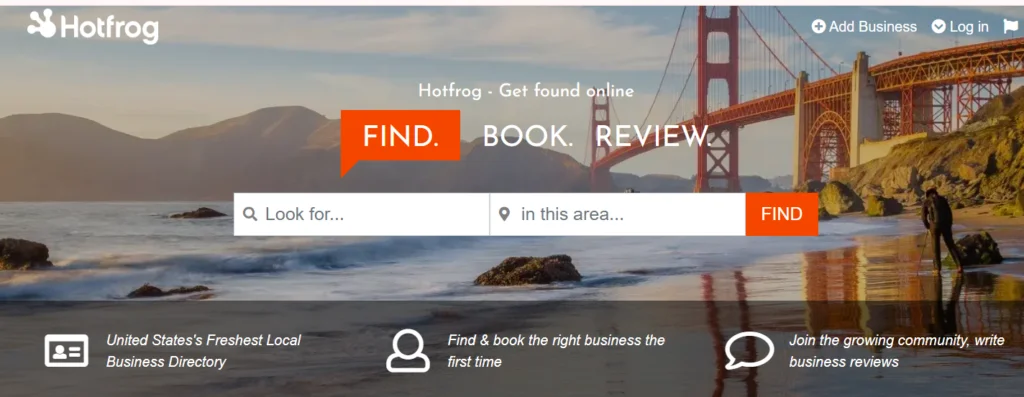
Hotfrog positions itself as “Canada’s freshest local business directory.” The site invites users to find, book and review businesses and encourages owners to add their business if it’s missing. The Hotfrog “Add your profile” page notes that after verification you can add images, a logo, opening hours and more; by keeping your profile up to date you promote yourself to a huge online audience and help maintain their owner‑verified dataset. It also notes that the dashboard helps complete your profile and allows customers to find you from any device.
Getting listed
- Sign up: Go to Hotfrog.ca and click “Add your business.” Create an account or log in using social media.
- Enter details: Provide your business name, address, phone number and description.
- Verification: Verify via email or phone.
- Optimize: Add images, logos, operating hours and service categories.
Benefits
- Fresh directory: Highlights new and niche businesses, helping you stand out in smaller towns.
- Booking and review features: Users can book appointments and leave reviews through the platform.
7. Foursquare
Foursquare began as a check‑in app but evolved into a powerful local directory. Foursquare requires verification and charges a one‑time US$20 fee for instant access.
How to claim your listing
- Go to foursquare.com/venue/claim and search your business.
- Claim or create: Claim existing listings or add your business with the correct address and category.
- Verify: Provide a phone number and enter a PIN during a verification call. Pay the fee for instant access if desired.
- Enhance your profile: Upload photos, add a description and include offers.
Why Foursquare
- Discovery: Many Canadian apps (Uber, Snapchat) use Foursquare’s location data; an accurate listing ensures your business appears on these platforms.
- Customer rewards: Access Foursquare’s tools to offer loyalty rewards and measure foot traffic.
8. Better Business Bureau (BBB)
The Better Business Bureau is a private non‑profit organisation serving the U.S. and Canada. According to its mission statement, the BBB has provided business profiles, ratings, complaint resolution, accreditation and fraud‑prevention tools for consumers and businesses for more than a century.
Businesses can create a free profile listing basic information; accredited businesses (paid) receive additional benefits such as using the BBB logo and appearing higher in search results.
How to get listed
- Search for your business at bbb.org to see if a profile exists.
- Claim your profile: Provide proof of ownership.
- Add details: Include your address, phone number, website, hours and a description.
- Respond to complaints: Use the BBB portal to resolve customer complaints to improve your rating.
Benefits
- Consumer trust: Many Canadians check BBB ratings before hiring service providers. Profiles include ratings (A+ to F) based on the organisation’s confidence in the business.
- Complaint resolution: The BBB facilitates dispute resolution between consumers and businesses.
- Accreditation option: Businesses that meet the BBB’s ethical standards can pay for accreditation, which includes additional visibility and the right to display the BBB seal.
9. Clutch – for B2B service providers
Clutch is a global marketplace where businesses hire vetted service providers. The platform states that more than $2 billion in global service projects flow through it each year and encourages companies to get listed to gain visibility with 12 + million buyers. Its basic, free profile includes company information and limited analytics; verified and advertiser tiers offer additional visibility and links.
Listing steps
- Create a free profile: Provide company name, industry, website, description and client focus.
- Collect reviews: Clutch ranks companies largely on verified, in‑depth client reviews. Request reviews from satisfied clients.
- Add case studies: Even on the free tier, you can showcase a limited number of projects.
Why use Clutch
- Trusted network: The main directory hosts 350 K service providers across more than 2,000 categories.
- Lead generation: Many companies report regular high‑quality leads from their Clutch profiles.
- Credibility: Reviews are vetted by Clutch’s team, so potential clients trust them.
10. Apple Business Connect (Apple Maps)
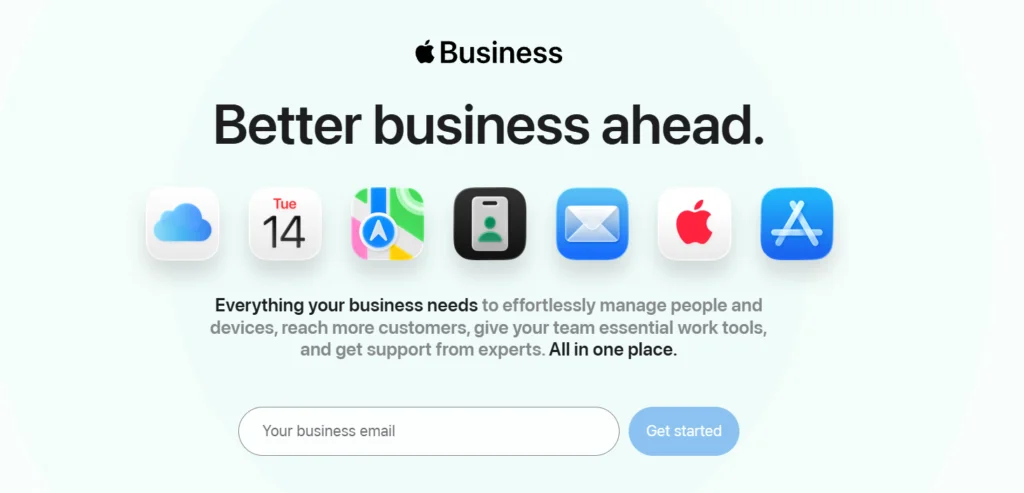
Apple’s press release introduces Apple Business Connect as a new, free tool that allows businesses to claim their location place cards and customise the way key information appears across Apple Maps, Messages, Wallet, Siri and other apps.
Businesses can add photos, logos and special promotions, and invite customers to take actions like ordering food or making reservations directly from Maps. Registration is free; you simply sign in with an Apple ID and verify your business.
How to get listed
- Visit businessconnect.apple.com and sign in with your Apple ID.
- Verify: Provide business documents or a phone number to prove ownership.
- Claim your place card: Search for your business; claim and update the listing.
- Customize: Add photos, logos, hours and call‑to‑action buttons. Use the “Showcases” feature to promote seasonal offers.
Why list here
- Reach iOS users: Apple Maps is the default mapping app on iPhones; listing here increases visibility to millions of Canadians.
- Interactive actions: Customers can order, book or reserve directly from your place card.
- Equal access: Apple emphasises that Business Connect offers small businesses the same tools as global brands.
11. Facebook Pages & Meta Business Suite
Facebook remains Canada’s most‑used social network, so a business directory presence on Facebook is essential. Meta’s help centre explains that a Facebook Page is a free way for businesses to reach their audience; pages are public and may be indexed by Google, making them easier to find.
Benefits include free tools to manage the page, connect with customers and advertise. Key features include business information (address, phone number, hours), posting, messaging across Facebook, Messenger and Instagram, event and appointment tools and insights to understand how people engage.
Setting up your Page
- Create a personal Facebook profile if you don’t already have one.
- Click “Create a Page” and choose a category (e.g., local business, company).
- Add business details: Name, category, address, phone number, website.
- Customize: Upload a profile photo and cover image, write a description and set up the action button (e.g., call, book now).
- Use Meta Business Suite to schedule posts, respond to messages and view insights.
Why use Facebook
- Massive user base: Billions of people use Facebook, and many search directly on the platform.
- Messaging integration: Communicate via Facebook, Messenger and Instagram from one inbox.
- Insights: Learn who engages with your posts and when.
12. LinkedIn Company Page
For B2B companies and recruitment, LinkedIn is indispensable. LinkedIn’s official page notes that a LinkedIn Page is how members find your business; you can create a Page for free, and different types of pages exist depending on your goals.
A company page helps you make your business discoverable, build credibility, post updates and interact with followers. It also states that pages with complete information get 30 % more weekly views.
How to create and optimise
- Log in to LinkedIn, click the “For Business” icon and select “Create a Company Page”.
- Enter details: Company name, industry, website URL and optional tagline.
- Complete the profile: Upload a logo and cover image, write a compelling “About” section and list your services.
- Publish content: Post articles, updates and job openings to engage followers.
- Invite connections: Encourage employees to invite their contacts LinkedIn suggests that pages inviting employees grow faster.
Why use LinkedIn
- Professional audience: LinkedIn has over 2 billion members globally, many of whom are decision‑makers.
- Recruitment: Showcase job opportunities and attract talent.
- Analytics: Track follower growth, post engagement and demographics.
13. Other Notable Canadian Directories
While the directories above receive the most traffic, several other free options may help your local SEO. Here are a few worth considering:
- 411.ca / Canada 411: A local search engine for people and businesses across Canada. It offers free listings and helps customers find phone numbers and addresses. Claiming your listing ensures your contact information is accurate.
- N49 (n49.com): An online review platform where consumers read and write reviews of local businesses. It’s particularly popular in Toronto and other major cities. Listing your business enables you to collect reviews and respond publicly.
- Local directories for specific industries: For example, roofing.ca, storage.ca and dining.ca are niche directories associated with n49 that target particular services【310546791459130†L92-L114】. These can provide targeted backlinks and referrals.
- Industry associations: Many provincial and national associations (e.g., Canadian Dental Association, Canadian Real Estate Association) maintain member directories. Membership may be required, but listing can improve credibility.
- FindOpen & MapQuest: Some blogs mention directories like FindOpen, YellowBook or Superpages for North American businesses. These tend to be U.S.‑centric but still accept Canadian listings.
Conclusion
Establishing a presence on business directories in Canada is one of the most cost‑effective ways to boost local visibility and build credibility. Whether you run a neighbourhood coffee shop, a national service company or a B2B agency, the directories above offer free options to get your name out there.
By claiming your listings, verifying your information and engaging with customers, you’ll be well on your way to dominating local search results, and staying ahead of competitors who neglect these valuable channels.
Quick FAQs
What is the best free business directory in Canada?
Do I need a physical address to list my business
How long does verification take?
Can I list my business in French?
How do I check if my information is consistent across directories?
Disclaimer: The information provided in this blog is for general informational purposes only. For professional assistance and advice, please contact experts.
Written by Neha Ghauri
Last updated May 22, 2026