AI Powered Design Tools: How Artificial Intelligence Is Changing Website Design
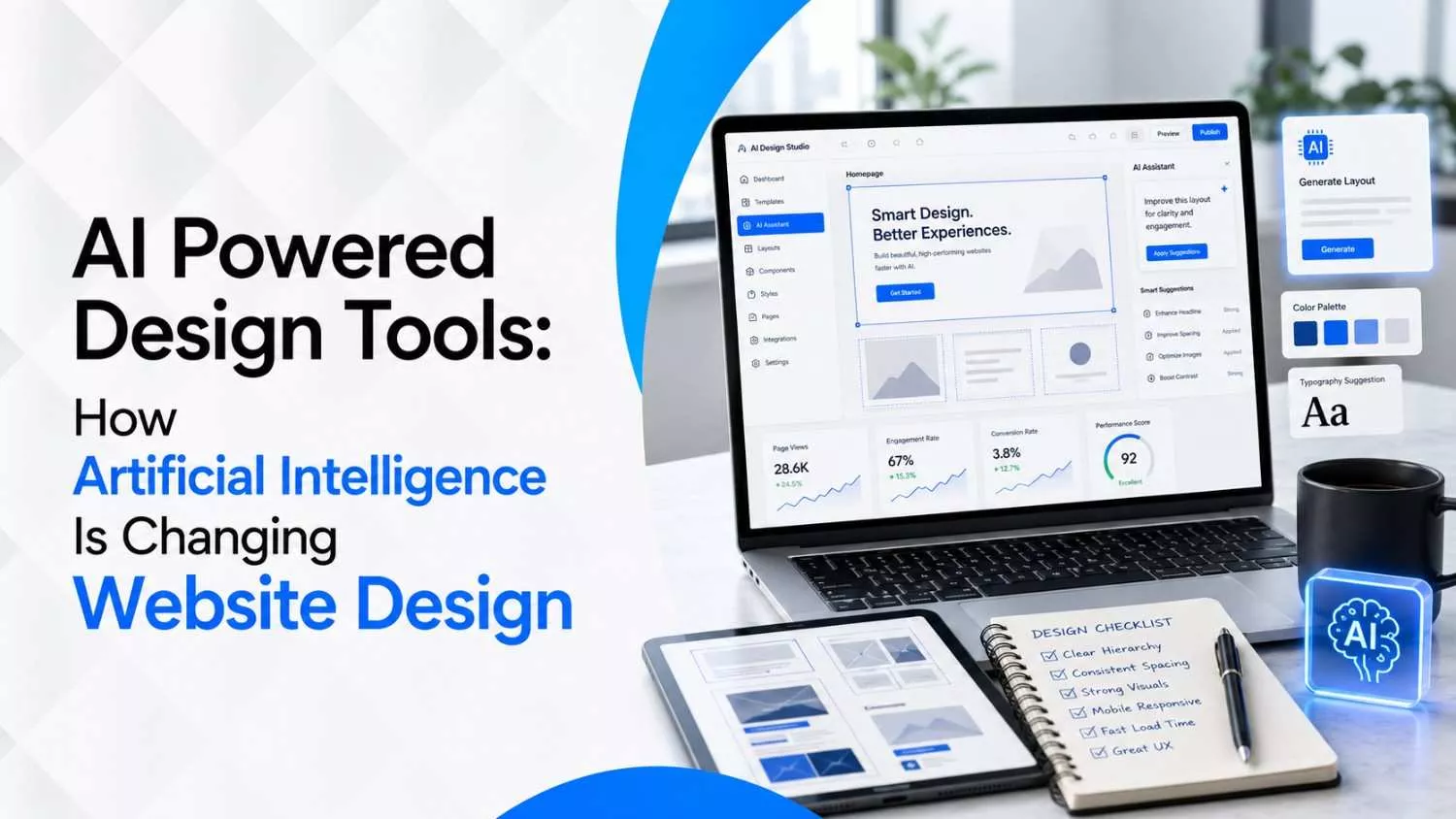
AI Powered Design Tools are not magic wands, although some landing pages now appear so quickly that it feels like a designer whispered into a toaster and got a homepage back. The real change is bigger and much more useful: AI is turning website design into a faster, more experimental, more strategic process where ideas can be tested before a team spends days polishing the wrong thing.
For business owners, marketers, founders, and anyone who has ever said, "Can we make the website more modern but also warmer, cleaner, bolder, calmer, and somehow more premium?", this is excellent news.
The catch is that artificial intelligence design tools only become powerful when a human gives them direction. A vague prompt creates a vague website, the same way a vague brief creates a meeting where everyone nods and secretly panics.
The best results come from combining AI for website design with a clear business goal, a strong brand point of view, conversion thinking, accessibility checks, technical SEO, and the kind of human judgment that knows when a button looks clickable or when a hero section feels like it was designed by a polite refrigerator.
At Wide Ripples Digital, the useful lesson is simple: do not pile random tools onto a project just because they are shiny. Use technology to make the work clearer, faster, and more measurable, then let strategy decide what belongs on the page. That is how AI Powered Design Tools become helpful instead of noisy.
Quick Answer: What Are AI Powered Design Tools?
AI Powered Design Tools are software platforms that use artificial intelligence to help with parts of the website design process, including research, wireframes, layout ideas, copy structure, image direction, code suggestions, quality checks, accessibility reviews, content planning, and user behaviour analysis.
They do not replace the full design process, because a strong website still needs clear positioning, smart information architecture, brand consistency, conversion strategy, and careful testing across real devices.
Think of them as an unusually fast junior team member who never complains, never asks for coffee, and occasionally tries to put six call-to-action buttons in one hero section because you forgot to tell it not to. Useful? Absolutely. In charge? Please, no.
The Old Website Design Process Had a Lot of Waiting Around
Before website design artificial intelligence became part of the workflow, a typical project moved like a slow parade.
First came discovery, then a sitemap, then wireframes, then copy, then design, then development, then feedback, then more feedback, then one final round of feedback that usually arrived after someone showed the website to a cousin who once used Photoshop. That process still has value, because thoughtful planning matters, but it often wasted time on early versions that nobody had tested against the actual business goal.
AI changes the early mess. It helps teams create quick drafts, compare layout options, stress-test messaging, generate first-pass component ideas, and expose weak thinking before the project becomes expensive to change. Instead of asking, "What should the page look like?", a smarter team can ask, "Which version explains the offer faster, creates more trust, and makes the next step obvious?" That is a much better question, and AI is surprisingly good at helping you explore it.
How AI Is Changing Website Design in Real Life
The best way to understand AI Powered Design Tools is to stop imagining one tool that builds an entire perfect website from a single sentence. That version sounds exciting, but it often produces generic layouts that look acceptable at first and become frustrating when you need something specific. The more professional version is a design stack, where different AI tools support different parts of the workflow while humans keep control of the strategy.
1. AI Makes the Blank Page Less Terrifying
Every website begins with a slightly dramatic blank page. AI helps by turning scattered ideas into a draft sitemap, a page goal, a first content outline, or a rough product request document. This matters because most design problems do not start with colour or spacing, they start with unclear thinking. When the goal is fuzzy, the homepage becomes a digital junk drawer full of greetings, services, awards, sliders, icons, and one lonely button that says learn more.
2. AI Turns Strategy Into Testable Layouts Faster
A designer can use AI to explore multiple directions for a landing page before committing to one structure. One version may lead with pain points, another with proof, another with pricing clarity, and another with a product demo. Instead of arguing about preferences, the team can compare each version against the audience, the offer, and the conversion goal.
3. AI Helps Content and Design Talk to Each Other
Website design often goes wrong when copy and layout are treated like two separate planets. AI can draft section-level copy, suggest better heading hierarchy, flag missing proof, and recommend where a testimonial, case study, pricing note, or FAQ should appear. That does not mean you should publish the first draft, but it does mean the designer and writer can work from a more useful starting point.
4. AI Speeds Up QA, but It Does Not Replace QA
Artificial intelligence design tools can review code, flag inconsistent spacing, check broken links, suggest accessibility improvements, and catch obvious mistakes. However, the final check still needs human eyes and real devices, because a layout that looks perfect in a desktop preview can become a tiny button circus on a phone. This is why the Wide Ripples approach to web development focuses on smooth experiences across devices, clear communication, testing, and ongoing support after launch.
The New AI Website Design Workflow
The smartest teams do not begin by asking AI to build a page. They begin by teaching AI what the page must achieve. Here is a workflow that makes AI for website design feel less like gambling with pixels and more like building with a plan.
Step 1: Define one job for the page
A page that tries to sell, educate, recruit, reassure, announce, explain, and entertain at the same time usually does none of those things well. Pick one primary job, such as booking consultations, selling a service, collecting demo requests, building a waitlist, or helping visitors compare options.
Step 2: Write a practical PRD before prompting
A product request document does not need to sound like enterprise paperwork wearing a tie. It simply needs to explain the audience, goal, offer, brand tone, required sections, trust signals, technical limits, SEO focus, and any design references that describe the desired feeling.
Step 3: Turn the PRD into a prompt with constraints
A strong prompt gives the AI context, examples, rules, and success criteria. It says what the page should do, who it is for, what it should avoid, how it should feel, and how the first version will be judged.
Step 4: Build a rough first version
The first AI-assisted draft should not be treated as final art. It is a prototype that reveals whether the structure makes sense, whether the offer is understandable, and whether the page is moving the visitor toward the correct action.
Step 5: Score the draft before making it pretty
Do not polish a weak structure. First score the page for clarity, credibility, action, logic, and emotion. If the message is confusing, a nicer gradient will not save it.
Step 6: Test responsiveness, speed, SEO, and forms
After the structure works, test mobile layouts, tablet spacing, page speed, Core Web Vitals, metadata, social previews, forms, analytics, accessibility labels, and every button that is supposed to take someone somewhere useful.
The 5-Part Website Scorecard AI Should Not Skip
This is the part many teams miss. They ask AI for a design, then immediately start judging colours, shapes, and whether the hero image looks exciting enough. A better method is to score the page like a conversion tool before treating it like a poster. Use this scorecard on every AI-assisted landing page, service page, or homepage draft.
| Score Area | The Question | What to Ask AI Next |
|---|---|---|
| Clarity | Can a visitor understand the offer within five seconds without rereading the hero section? | Rewrite the hero so the audience, offer, and outcome are clear before any clever wording appears. |
| Credibility | Does the page prove that this business can actually deliver what it promises? | Add specific proof, service details, testimonials, process steps, portfolio context, or measurable outcomes without inventing claims. |
| Action | Is the next step visible, simple, and repeated at the right moments? | Make the main CTA consistent, remove competing CTAs, and place the action after the value has been explained. |
| Logic | Does the page explain why the visitor should act now, with enough reasoning to reduce hesitation? | Reorder the sections so pain, solution, proof, process, and action feel like a natural conversation. |
| Emotion | Does the page make the visitor feel confident, understood, and safe to continue? | Adjust tone, visuals, microcopy, and trust signals so the page feels helpful rather than pushy or robotic. |
The Part Google Does Not Easily Tell You: AI Design Needs a Brief With Taste
Most AI design advice says the same thing: write better prompts. True, but incomplete. A better prompt only helps if it is built from a better brief, and a better brief includes taste. Taste is not just, "make it premium", because that phrase has now been used so many times that even stock photos are tired of it. Taste means the project has rules for what the brand should feel like and what it should never become.
For example, a local accountant may need calm, trustworthy, tidy design with clear service paths and zero circus energy. A fitness coach may need movement, confidence, sharp contrast, and booking friction reduced to almost nothing. A SaaS startup may need proof, product clarity, use-case navigation, and screenshots that explain value without making visitors decode a spaceship dashboard.
Before using AI Powered Design Tools, write a brand taste brief with these six ingredients: what the visitor should feel, what the design must avoid, which brands outside your niche match the feeling, which words sound like you, which words sound fake, and which actions matter most. That tiny exercise saves hours of AI-generated sameness.
The 70-20-10 Rule for Using AI in Website Design
Here is a practical rule that keeps AI useful without letting it take over the steering wheel. Let AI handle 70 percent of speed work, let humans handle 20 percent of strategic editing, and reserve 10 percent for taste, edge cases, and final judgment. The exact numbers are less important than the idea: AI should accelerate the work that slows teams down, while humans protect the parts that make the website worth trusting.
- 70 percent speed work: first drafts, layout options, sitemap ideas, section sequencing, image prompts, QA checks, metadata drafts, form logic notes, and code suggestions.
- 20 percent strategic editing: audience fit, value proposition, conversion flow, internal linking, content gaps, proof selection, pricing explanation, and technical priorities.
- 10 percent taste and judgment: brand feeling, originality, cultural nuance, visual restraint, mobile comfort, local context, and the small details that make a page feel built by people.
What AI Powered Design Tools Can Do, and What They Should Not Do Alone
| Website Task | AI Can Help With | Human Must Still Decide |
| Discovery | Summarising audience notes, turning messy ideas into requirements, and finding missing questions. | Which audience matters most, which business goal wins, and what should be excluded from scope. |
| Wireframing | Creating layout options, section order, content blocks, and rough component ideas. | Whether the flow matches real buying behaviour and whether the page answers objections in the right order. |
| Copy Structure | Drafting headings, CTA options, FAQs, service descriptions, and benefit-led sections. | The final voice, proof, claims, examples, and whether the copy sounds like the brand rather than a brochure machine. |
| Visual Direction | Suggesting mood boards, image concepts, icon styles, colour combinations, and layout rhythm. | Originality, restraint, accessibility contrast, brand consistency, and whether visuals support the message. |
| Development | Generating snippets, checking bugs, suggesting responsive improvements, and reviewing unused code. | Architecture, performance priorities, security, maintainability, CMS setup, and launch readiness. |
| SEO | Drafting metadata, schema ideas, internal link suggestions, and content clusters. | Keyword intent, authority building, expert input, search strategy, and how the page supports revenue. |
How AI Helps With SEO, AEO, and Website Performance
A beautiful website that nobody can find is basically a very expensive secret. AI Powered Design Tools can support SEO by helping teams map search intent, build better outlines, draft metadata, identify missing FAQs, create schema ideas, and plan internal links. They can also support AEO, which means designing content so answer engines can understand, extract, and cite it more easily.
This is where design and SEO stop acting like neighbours who only wave politely. The page layout affects how clearly a search engine understands the content, how quickly users find answers, and how likely visitors are to continue. Wide Ripples already publishes practical guides on topics such as SEO and content marketing, ranking your website on ChatGPT, and page speed, which makes AI-assisted design much stronger because the website is planned as a growth system, not just a nice-looking screen.
One useful rule is to design every key page with three readers in mind: the busy human scanning on mobile, the search engine crawling the structure, and the AI answer engine trying to understand whether your page is a trustworthy source. When a page works for all three, it usually becomes cleaner, faster, and easier to convert.
The AI Clone Problem: Why So Many AI Websites Look the Same
There is a specific look that screams "AI made this while everyone was at lunch": giant gradient blobs, perfect but soulless cards, people smiling at invisible laptops, icons that could belong to any industry, and copy that says things like unlock seamless solutions without explaining what is being unlocked, who lost the keys, or why we are all suddenly seamless.
This happens because AI tends to average patterns. If you ask for a modern website with no deeper direction, it may give you the internet equivalent of hotel lobby music. Not terrible, not memorable, and definitely not enough to make someone choose your business.
To avoid the clone problem, feed AI original ingredients. Add local context, real customer objections, service-specific proof, brand voice rules, comparison points, process details, common sales questions, and examples from your own work. A page becomes memorable when it contains details only your business could say.
A Better Prompt Formula for AI Website Design
Instead of writing "build a landing page for my business", use a prompt that gives AI a job, a character, a map, and a marking sheet. The formula below works because it turns a loose idea into a practical creative brief.
| Prompt Part | What to Include |
|---|---|
| Role | Act as a senior website strategist, UX designer, conversion copywriter, and technical SEO reviewer. |
| Goal | The page must get qualified visitors to book a consultation, request a quote, download a guide, or take one clearly defined action. |
| Audience | Describe who they are, what they already know, what worries them, and what would make them trust the page. |
| Brand Taste | Explain the desired feeling, visual style, tone, banned words, design references, and anything that would feel off-brand. |
| Structure | List required sections, required proof, CTA rules, mobile priorities, SEO keyword, and internal links. |
| Evaluation | Ask AI to score the first draft for clarity, credibility, action, logic, and emotion before improving it. |
Copy-Paste Prompt You Can Use
Use this prompt as a starting point, then replace the bracketed sections with your real project details.
Act as a senior website strategist, UX designer, conversion copywriter, and technical SEO reviewer. I need a website page for [business type] that helps [target audience] take [primary action]. The audience struggles with [main problems], cares about [decision factors], and needs to feel [desired emotions] before taking action. Create a page structure with section headings, copy notes, trust signals, CTA placement, mobile layout notes, accessibility reminders, and SEO considerations for the keyword [keyword]. Avoid generic AI language, vague claims, fake numbers, and stock-sounding phrases. After drafting the structure, score it from 1 to 10 for clarity, credibility, action, logic, and emotion, then explain what should be improved first.
What Website Design Artificial Intelligence Still Gets Wrong
AI can produce a confident answer even when the answer is only half useful, which is both impressive and slightly alarming. In website design, the biggest issues usually appear in the areas that require context, judgment, or responsibility.
- It invents proof. AI may suggest testimonials, statistics, awards, or case study claims that sound polished but are not real. Every proof point must come from your actual business, your real clients, or verified data.
- It over-designs simple pages. AI loves adding sections because sections feel productive, but a service page may need fewer blocks, not more. A visitor does not need a museum tour when they only came to book a consultation.
- It forgets mobile thumbs. Many AI-generated layouts look elegant on desktop while hiding forms, squeezing buttons, or burying CTAs on phones. Always test on actual devices before launch.
- It confuses clever with clear. AI can create catchy headings that sound stylish but explain nothing. If the visitor cannot understand the offer quickly, the headline is decoration, not communication.
- It misses local trust. A Canadian business, Mississauga service provider, Toronto clinic, or Vancouver contractor may need local signals, local language, and local proof that generic AI output will not include unless you ask for it.
The Human-Led AI Design Checklist
Before you launch an AI-assisted website, run this checklist. It is less glamorous than generating a shiny hero section, but it is the difference between a page that merely exists and a page that actually earns trust.
- The hero section explains who the page is for, what is offered, and what outcome the visitor can expect.
- The primary CTA is consistent, easy to find, and connected to one clear business goal.
- Every major claim has proof, context, or a reason to believe it.
- The page uses real service details instead of broad phrases that could fit any business.
- The layout works on phone, tablet, laptop, and a real device held by a real human with one thumb.
- Forms are short, functional, trackable, and connected to the right follow-up process.
- Images feel specific to the brand, not like they escaped from a generic startup template.
- Internal links guide visitors toward useful next steps, related services, and supporting blog resources.
- Metadata, headings, schema notes, image alt text, and page speed have been reviewed before launch.
- The final page has been read out loud, because robotic copy becomes obvious when your mouth refuses to say it naturally.
Where Wide Ripples Fits Into the AI Design Shift
AI Powered Design Tools can make website work faster, but speed without direction creates faster confusion. Wide Ripples Digital positions its work around clear plans, simple communication, measurable growth, and web experiences that feel built for real people. That matters because an AI-assisted website still needs a team that understands strategy, design, SEO, content, ads, conversion, and ongoing maintenance as connected parts of the same system.
For example, a business may use AI to generate a first sitemap, but the final structure should still be shaped by search intent, service priorities, buyer questions, and conversion goals. A business may use AI to draft landing page copy, but the final version should still reflect real customer language and proof. A business may use AI to review performance issues, but the final site still needs the kind of careful optimisation explained in Wide Ripples' page speed guide and related web design resources.
That is the healthier future of AI for website design: not replacing the designer, developer, writer, strategist, or SEO specialist, but giving each person a sharper starting point and more room to make smart decisions.
A 7-Day AI Website Design Experiment for Small Businesses
If you are curious about artificial intelligence design tools but do not want to rebuild your entire website, run a small experiment. Seven days is enough to learn where AI helps, where it gets weird, and which parts of your website need human attention first.
- Day 1: Ask AI to summarise your homepage in one sentence, then ask whether that sentence would make sense to a first-time visitor
- Day 2: Ask AI to identify the primary action on your homepage and list every competing action that distracts from it.
- Day 3: Ask AI to rewrite your service section in three tones: clearer, warmer, and more conversion-focused, then keep only the strongest ideas.
- Day 4: Ask AI to review your page for missing trust signals, but only add proof that is real and verifiable.
- Day 5: Ask AI to suggest internal links from your service page to related blog posts, FAQs, case studies, and contact pages.
- Day 6: Ask AI to create a mobile-first checklist, then test the page manually on a phone instead of trusting a desktop preview.
- Day 7: Ask AI to create a launch QA list, then have a human review every form, button, link, image, and message before publishing changes.
What This Means for Business Owners
For business owners, the rise of AI Powered Design Tools does not mean you should build a cheap website in one afternoon and hope your customers do not notice. It means you can make better decisions earlier, test ideas faster, and work with your design team in a more informed way. You can ask better questions, bring clearer examples, and understand why a website is not just a design file, but a sales tool, trust tool, search asset, and customer experience all wrapped into one.
It also means you should be more careful, not less. When everyone has access to similar tools, the advantage shifts to businesses with better strategy, sharper positioning, stronger proof, cleaner UX, and more useful content. In other words, the tool is not the moat. Your understanding of your customer is the moat.
Final Thoughts: The Robot Can Hold the Paintbrush, but You Still Need the Taste
AI Powered Design Tools are changing website design by making early ideas faster, testing easier, workflows smarter, and technical checks more accessible. They help teams move from blank page to useful prototype with less friction, which is a big deal for businesses that need better websites without endless back-and-forth.
But the winners will not be the businesses that use the most AI. The winners will be the ones that use AI with the most clarity. They will know their audience, define one page goal, give the tool meaningful context, protect their brand voice, test the output carefully, and keep improving after launch.
If your website needs to look sharper, load faster, explain your offer better, and support real growth, explore Wide Ripples Digital and its website design and development services. The future of design is not human versus AI. It is human direction plus AI speed, with a website that finally stops confusing visitors and starts helping them take action.
Quick FAQs
Are AI Powered Design Tools good for professional websites?
Can AI build a complete website without coding?
What is the best way to use AI for website design?
Will artificial intelligence design tools replace web designers?
How can a business avoid a generic AI-looking website?
Should SEO be part of AI-assisted website design?
Disclaimer: The information provided in this blog is for general informational purposes only. For professional assistance and advice, please contact experts.
Written by Neha Ghauri
Last updated July 9, 2026