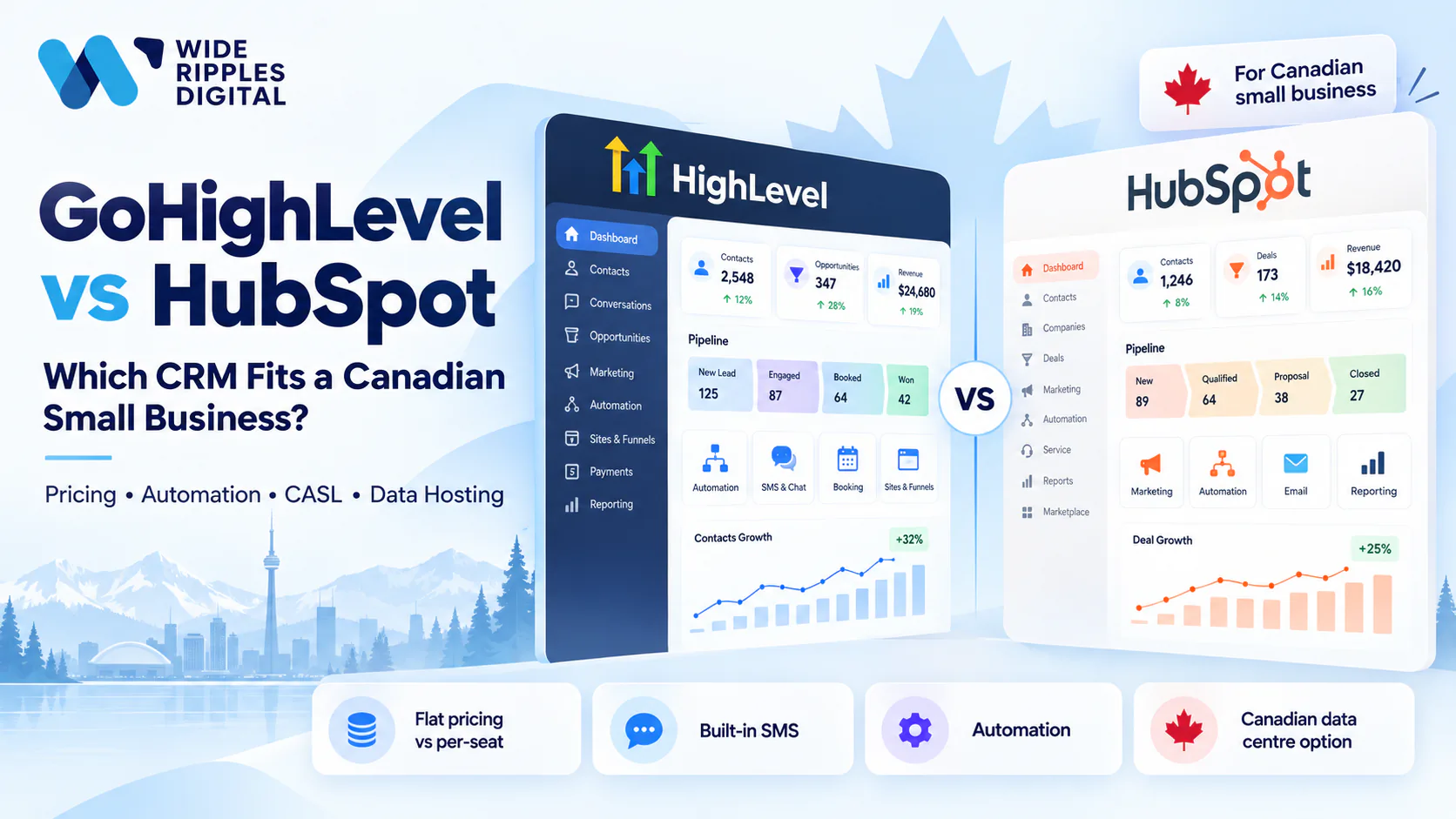


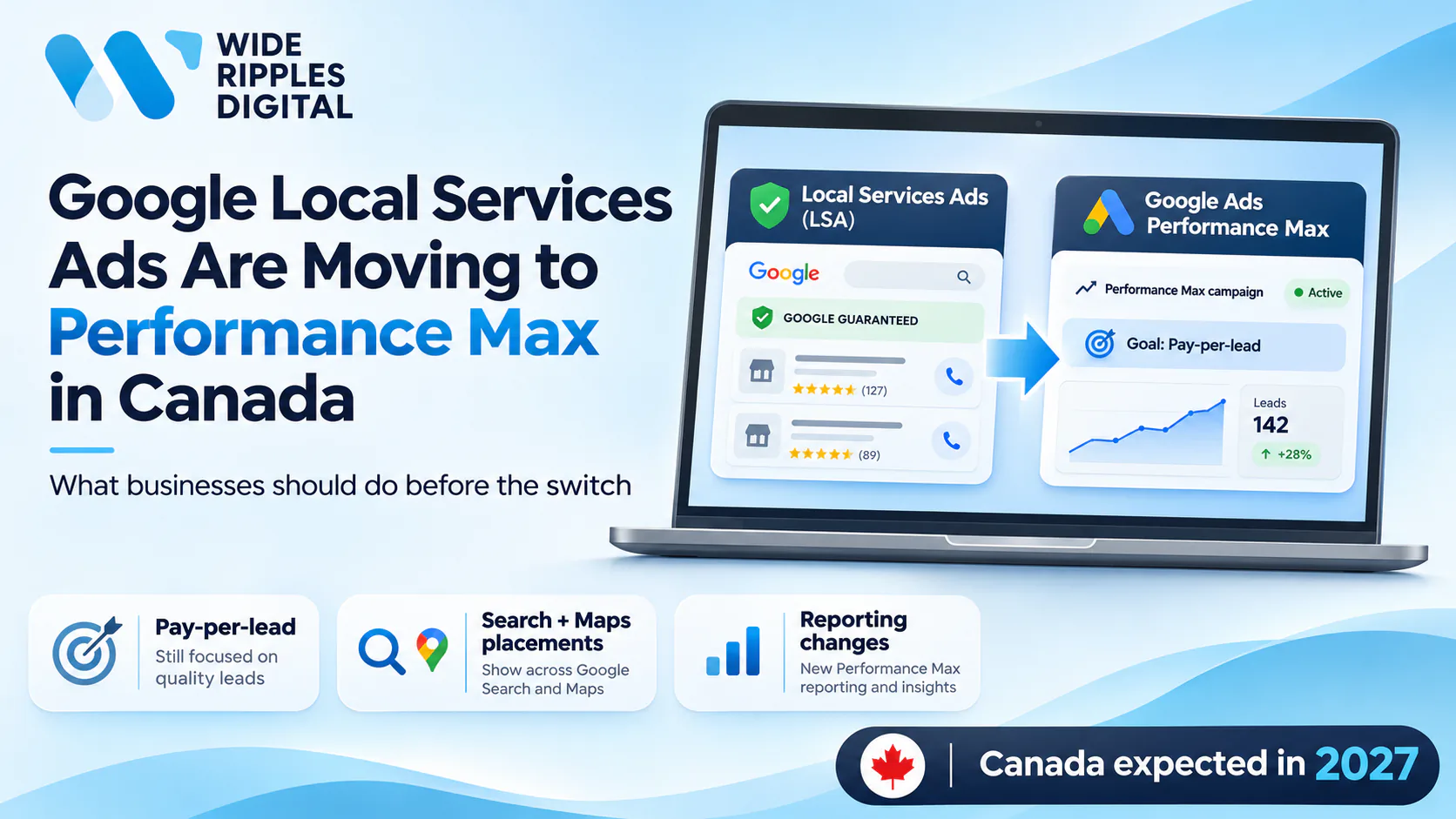
If you run Google Local Services Ads in Canada, your account is going to change. Google is moving every Local Services Ads campaign into Google Ads. Your ads will become a Performance Max campaign with pay-per-lead goals.
The good news is that the way you pay and where your ads appear will stay the same. However, your budgets, bidding and reports will work differently.
In this guide, we explain how the Google Local Services Ads Performance Max migration affects your Canadian business.
What is changing for Local Services Ads?
Google is replacing the separate Local Services Ads dashboard with a single home inside Google Ads. You will manage your budgets, targeting and customer replies from the same platform as your other Google ads.
According to Google's Local Services Ads transition guide, your existing campaign will migrate automatically. It becomes a special Performance Max campaign built for pay-per-lead goals. You do not need to rebuild your campaign from scratch.
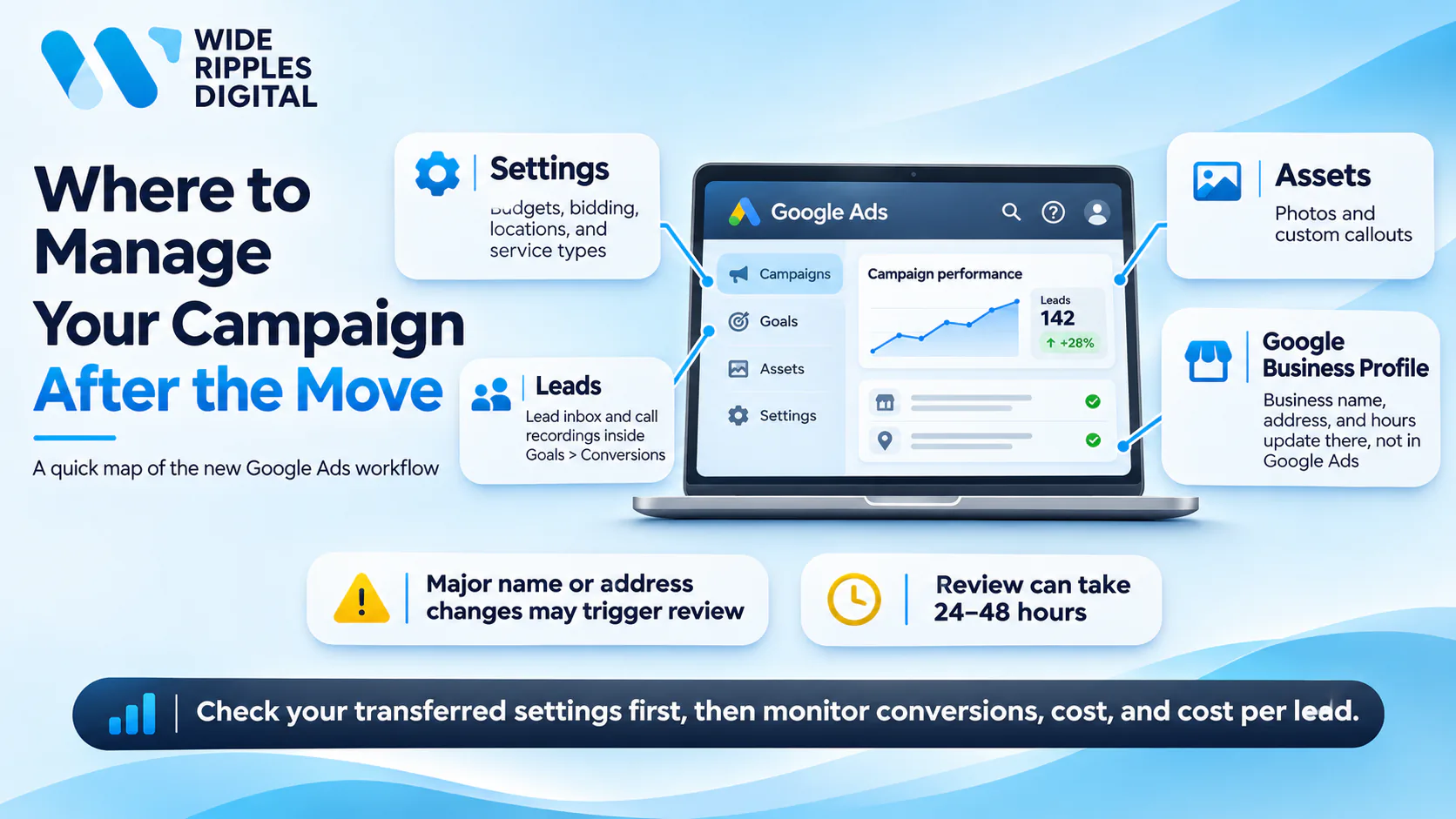
Here is where you will find your main settings after the move:
- You will manage budgets, bidding, locations and service types under Settings in the Campaigns menu.
- You will manage photos and custom callouts under Assets in the Campaigns menu.
- You will find your lead inbox and call recordings under Leads, inside Conversions in the Goals menu.
- You will update your business name, address and hours in your Google Business Profile, not in Google Ads.
What stays the same after the switch?
Several important parts of your advertising will not change. This should make the move far less stressful for your business.
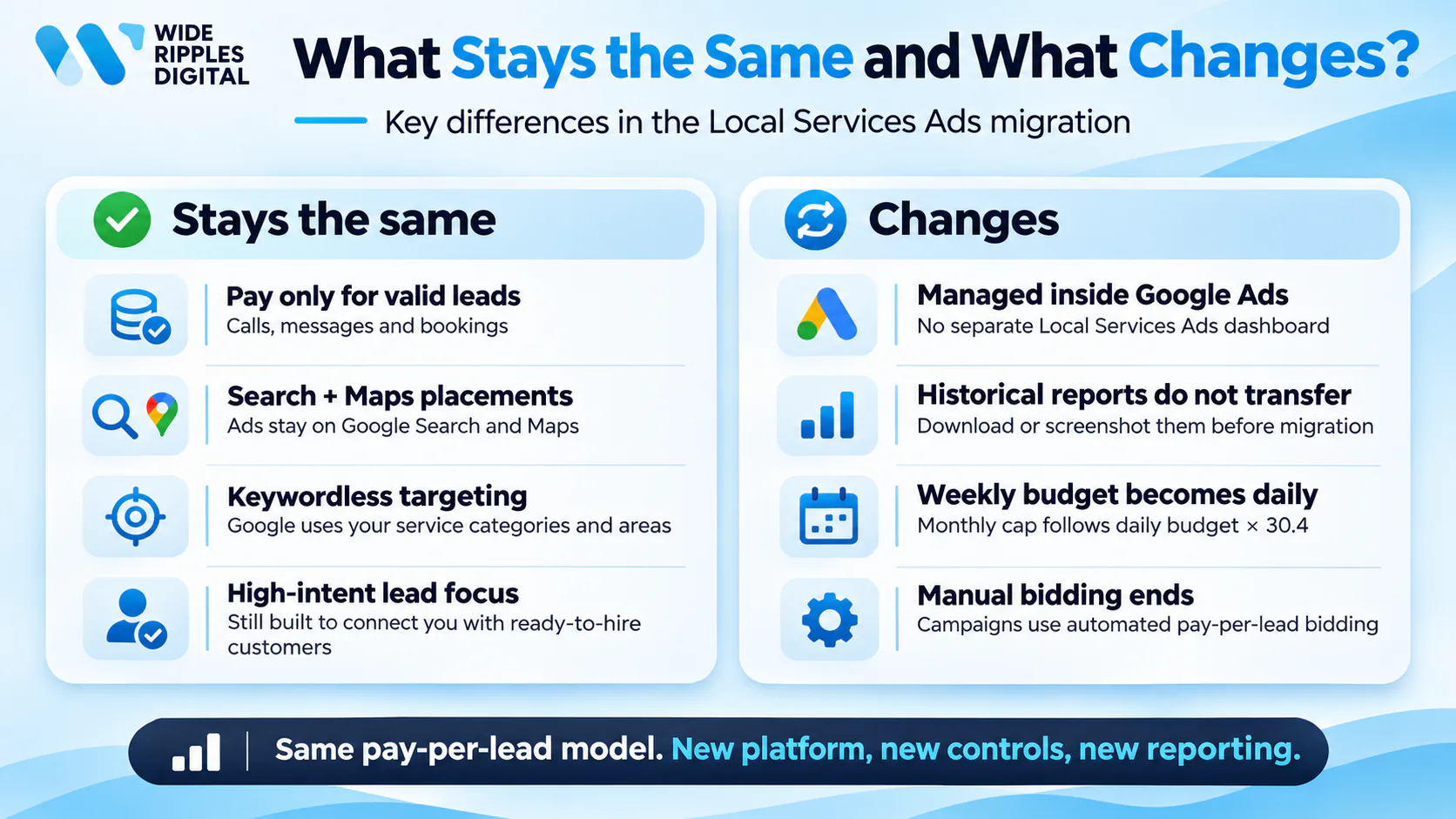
- Pay-per-lead pricing: You will still pay only for valid leads, such as phone calls and messages, not for clicks.
- Ad placements: Your ads will still appear only on Google Search and Google Maps, in the same positions as before.
- Keywordless targeting: You still do not choose keywords. Google targets your ads by your service categories and service areas.
- Focus on real customers: Your campaign will still focus on connecting you with customers who are ready to hire.
When will your Canadian account move?
Google is moving accounts in three phases rather than all at once:
- August 2026: The first phase started with selected home and storefront service businesses in the United States.
- Late 2026: The move expands to more groups, including service-area businesses without a physical storefront.
- 2027: Accounts outside the United States move to Google Ads, and that includes Canada.
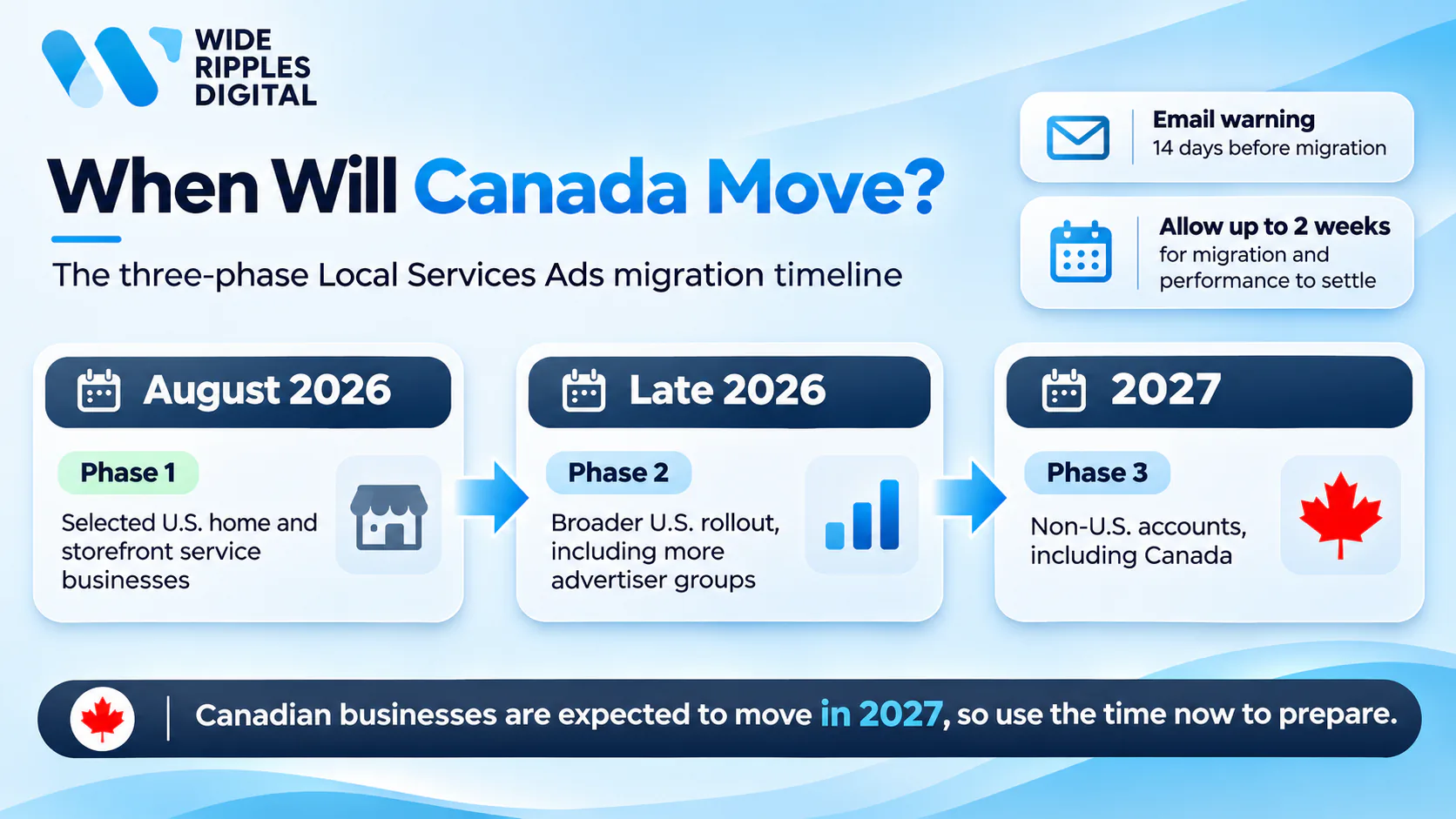
If your business is in Canada, your account is expected to move in 2027. That gives you time to prepare, but you should start now. Some steps, such as saving your reports, cannot be done after your switch date.
What happens on your migration day?
Google runs the migration automatically, so your ads should have very little downtime. Here is what you can expect.
You will receive email warnings. Google emails your account administrator 14 days before your migration date. A reminder follows seven days later, and a final email confirms when the move is complete. You will also see warning banners inside your current dashboard.
Your settings will transfer automatically. Your locations, service types, business categories, budget limits, ad schedule and business photos all move to Google Ads. You do not need to enter them again.
Your old dashboard will close. After the move, you can no longer open your Local Services Ads dashboard. If you try, Google sends you to your campaign in Google Ads instead.
Your verification will carry over. If your business is already Google Verified, your badge moves across automatically. You also no longer need to reverify your insurance or licence.
Your results may take time to settle. Many ads start running straight away. However, you should allow up to two weeks for the migration to finish and for performance to stabilize.
How will your bidding and budget change?
Your budget and bidding will now follow standard Google Ads rules. These changes happen automatically on your switch day, so you should understand them in advance.
Your weekly budget becomes a daily budget. Google divides your average weekly budget by seven. Your monthly spend will not exceed that daily budget multiplied by 30.4. Your spend may rise on busy days but will stay within that monthly limit.
Manual bidding is no longer available. You can no longer set a maximum cost per lead for your campaign.
One target cost per lead now covers every category. Google Ads does not support separate target costs for each service category. If you set different targets before, Google will apply one combined target to all your categories.
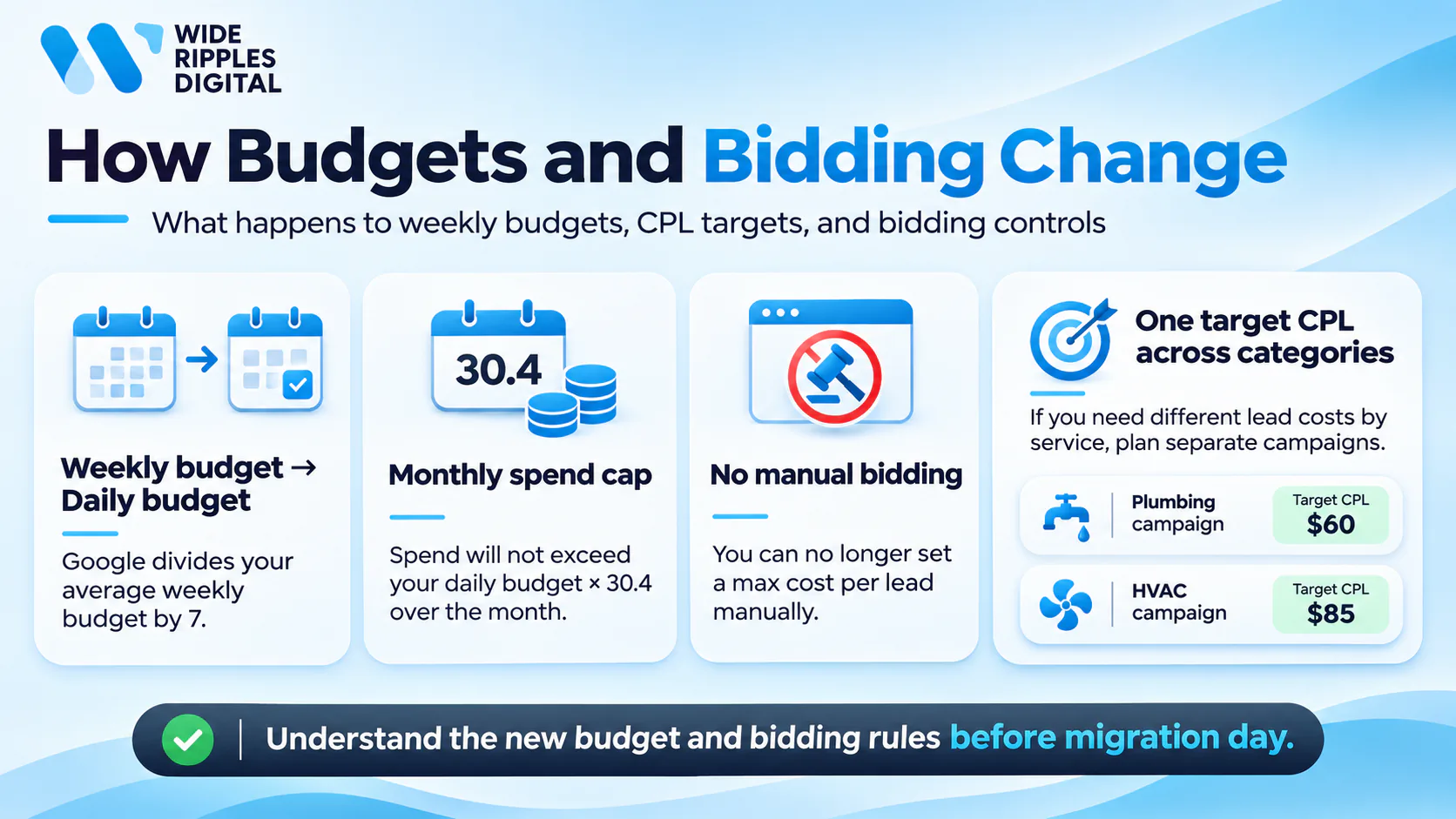
If you want separate bids for different services, you will need separate campaigns. For example, a contractor could run one campaign for plumbing and another for HVAC. Planning this structure before your switch keeps each service's Google Ads budget under control.
What changes with your Google Business Profile?
Your Google Business Profile now plays a bigger role in your ads. Google Ads uses it to fill in your campaign details.
Your business name, address and hours sync in one direction, from your profile to Google Ads. You cannot edit those details inside Google Ads. If you make a major change to your business name or address, Google starts a verification review. That review usually takes 24 to 48 hours, and your campaign may pause during that time.
Photos and service areas are copied across from your profile at first. After that, you can change them in Google Ads without affecting your profile or your local SEO.
Better Business Bureau callouts are also no longer supported. To help your ads stand out, add at least six other callouts in your campaign's Assets tab. Good examples include your hours, your specialties and the payment methods you accept.
What should you do before your switch date?
You can prepare for most of these changes today. If you run a Canadian business, we recommend working through this checklist before 2027.
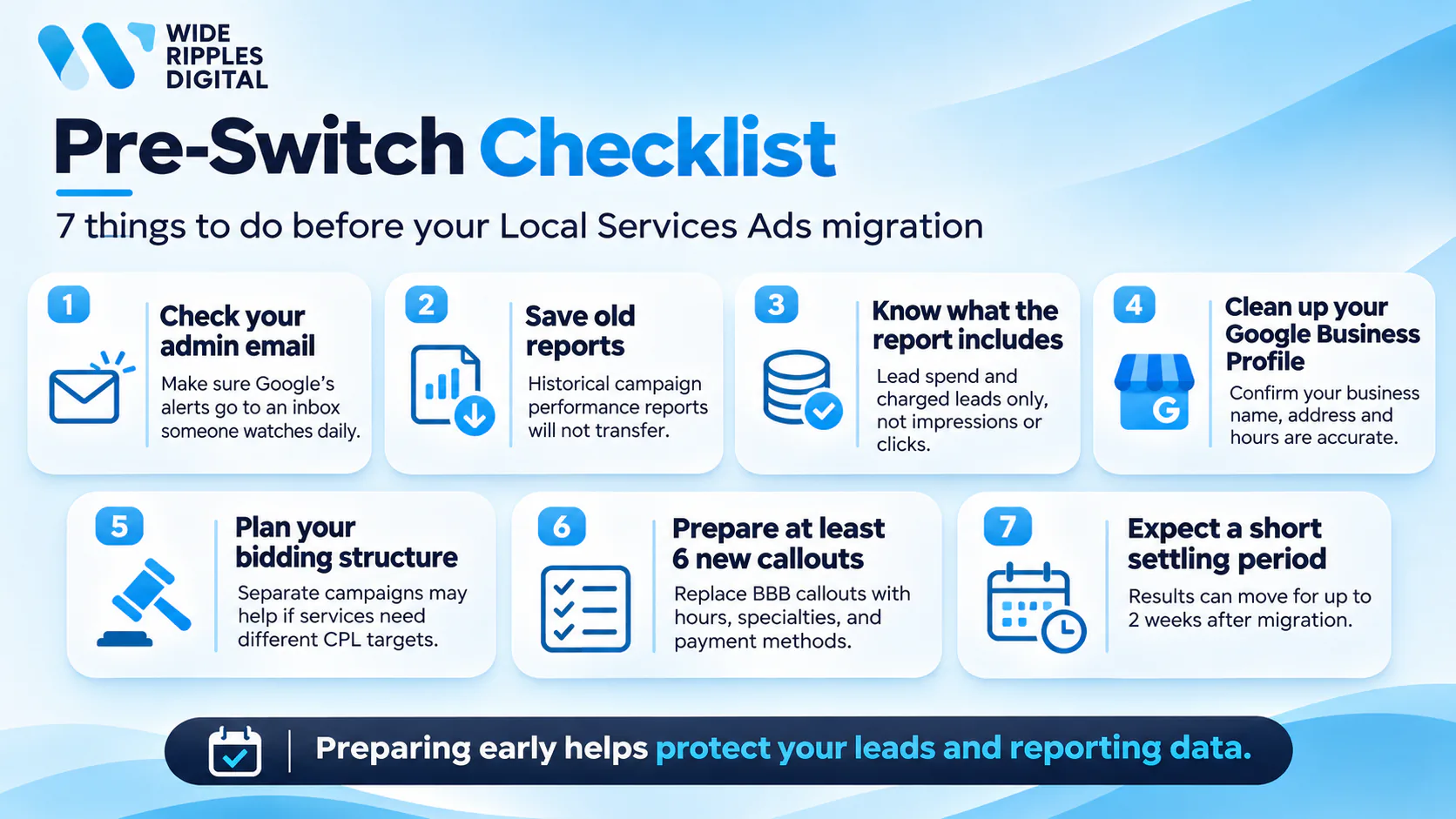
- Check the admin email on your account. Make sure Google's warning emails go to an inbox that someone reads every day.
- Save your old reports. Your past performance reports will not move to Google Ads. Download them from the redirection page or take screenshots before your date.
- Know what the download includes. It shows your total lead spend and charged leads, split by phone, message and booking. It does not include impressions or clicks.
- Clean up your Google Business Profile. Check that your business name, address and hours are correct, so no surprise review pauses your ads.
- Plan your bidding. Decide whether you need separate campaigns for services that need different cost-per-lead targets.
- Prepare six new callouts. Replace your BBB callout with details such as your hours, specialties and accepted payment methods.
- Expect a short settling period. Plan for up to two weeks of changing results after the move.
How will you manage your campaign after the move?
When you first log in to Google Ads, check that your settings transferred correctly. Then focus on these three numbers in your campaign dashboard:
- Conversions shows the number of leads you were charged for.
- Cost shows your total ad spend.
- Cost / conv. shows your average cost per lead.
You can pause your ads at any time from the Settings tab. To start receiving leads again, simply switch the campaign back to Enabled.
Your new Leads page replaces your old lead inbox. There, you can check, download and reply to your leads, including text messages and emails. Please note that manual lead disputes are no longer supported.
Google also turns on lead email alerts for every user by default. Each person can switch them off, but at least one user must keep them on. You can also upload up to 100 extra business photos on the Assets page.
Get your Local Services Ads ready before Google moves them
The Google Local Services Ads Performance Max migration is coming, and preparing now protects your leads. Start by confirming your admin email, then save your reports and tidy your Google Business Profile.
Next, decide how you want to split your bidding and add your six new callouts. Then plan for up to two weeks of changing results after the move.
If you would like support, our team can review your account and settings with you before the switch.
Want your account ready before the switch? Call +1 416-668-6969 or book your free growth audit, and we will help you prepare for the move.
FAQs about the Google Local Services Ads Performance Max migration
These answers cover the questions Canadian business owners ask us most often about this change.
When will my Local Services Ads account move in Canada?
Google plans to move accounts outside the United States in 2027. Google will email your account administrator 14 days before your exact date.
Will I still pay only for leads?
Yes. You will still pay only for valid leads, such as calls and messages, not for clicks.
Will my old reports move to Google Ads?
Your past performance reports will not move across. You should download or screenshot them before your migration date.
Why did my weekly budget become a daily budget?
Google Ads works with daily budgets. Your weekly average is divided by seven, and your monthly spend stays within that daily budget multiplied by 30.4.
Who can I call for help with the migration?
Google offers dedicated migration support at +1-844-205-0011. The line is open Monday to Friday, 9:00 AM to 8:00 PM Eastern Time.
Can Wide Ripples help me prepare for the migration?
Yes. Our team can check your admin email, save your reports and review your Google Business Profile before your date. We can also plan your bidding and write your six new callouts.
Can Wide Ripples manage my campaign after the switch?
Yes. After the move, we can check that your settings transferred correctly and track your cost per lead. We then adjust your budget and campaign structure as your results settle.
Sources: Google Ads Help, Local Services Ads transition guide and Google's Local Services Ads migration video
Disclaimer: The information provided in this blog is for general informational purposes only. For professional assistance and advice, please contact experts.