Google's November 2026 Core Update and What to Check if Your Traffic Dropped
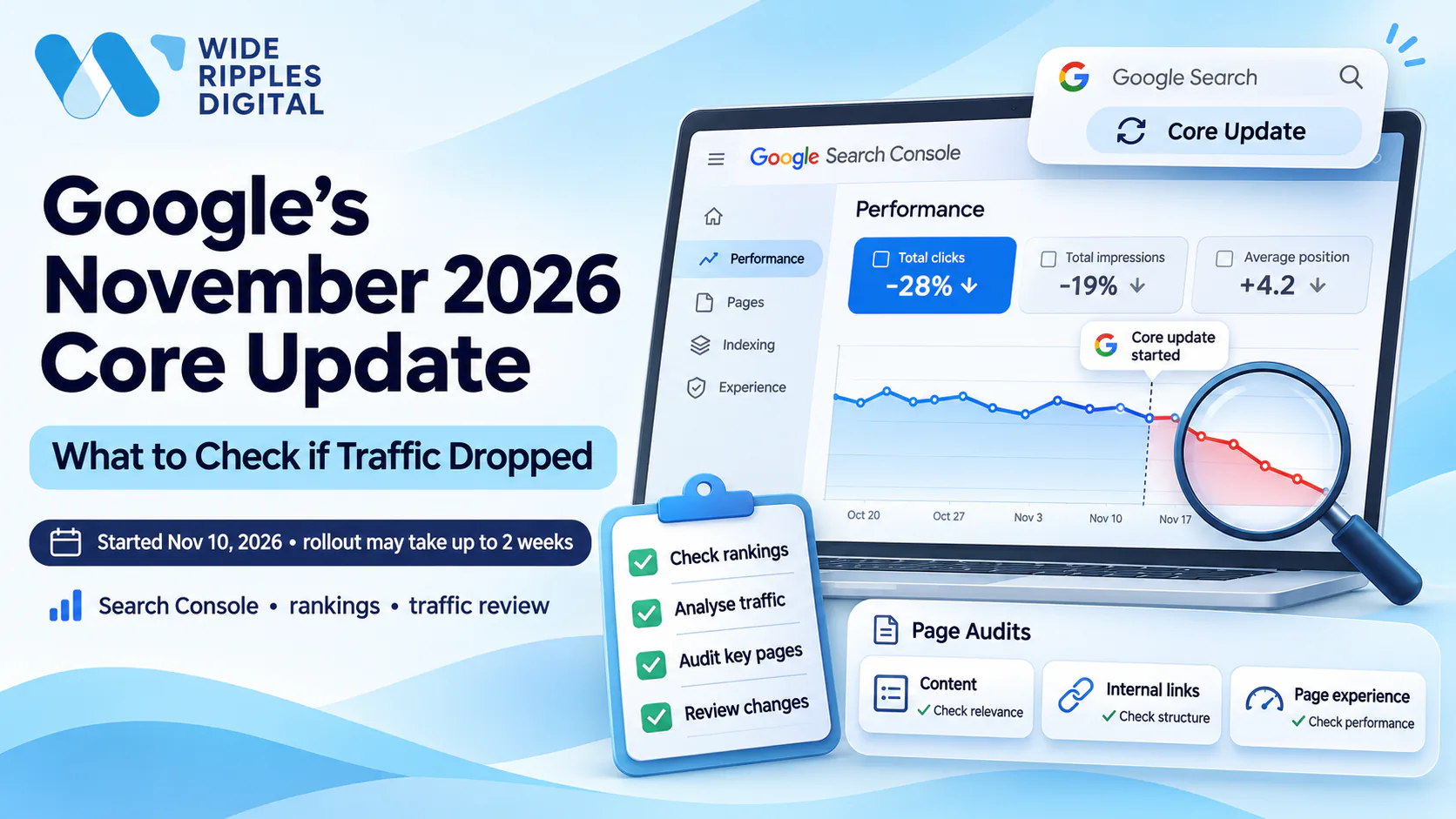
Google announced the November 2026 core update on November 10, 2026. Google says the rollout may take up to two weeks to complete. Most websites will not notice a change, but some will see their rankings and traffic move.
If your traffic has dropped recently, you are probably asking whether this update is the reason.
In this guide, we walk you through how to check that in Google Search Console. We also explain what to review on your affected pages and what to fix first.
What is Google's November 2026 core update?
Google releases core updates several times a year. Each one is a broad change to how its search systems rank pages. The November 2026 update follows this pattern and does not target your site or any page.
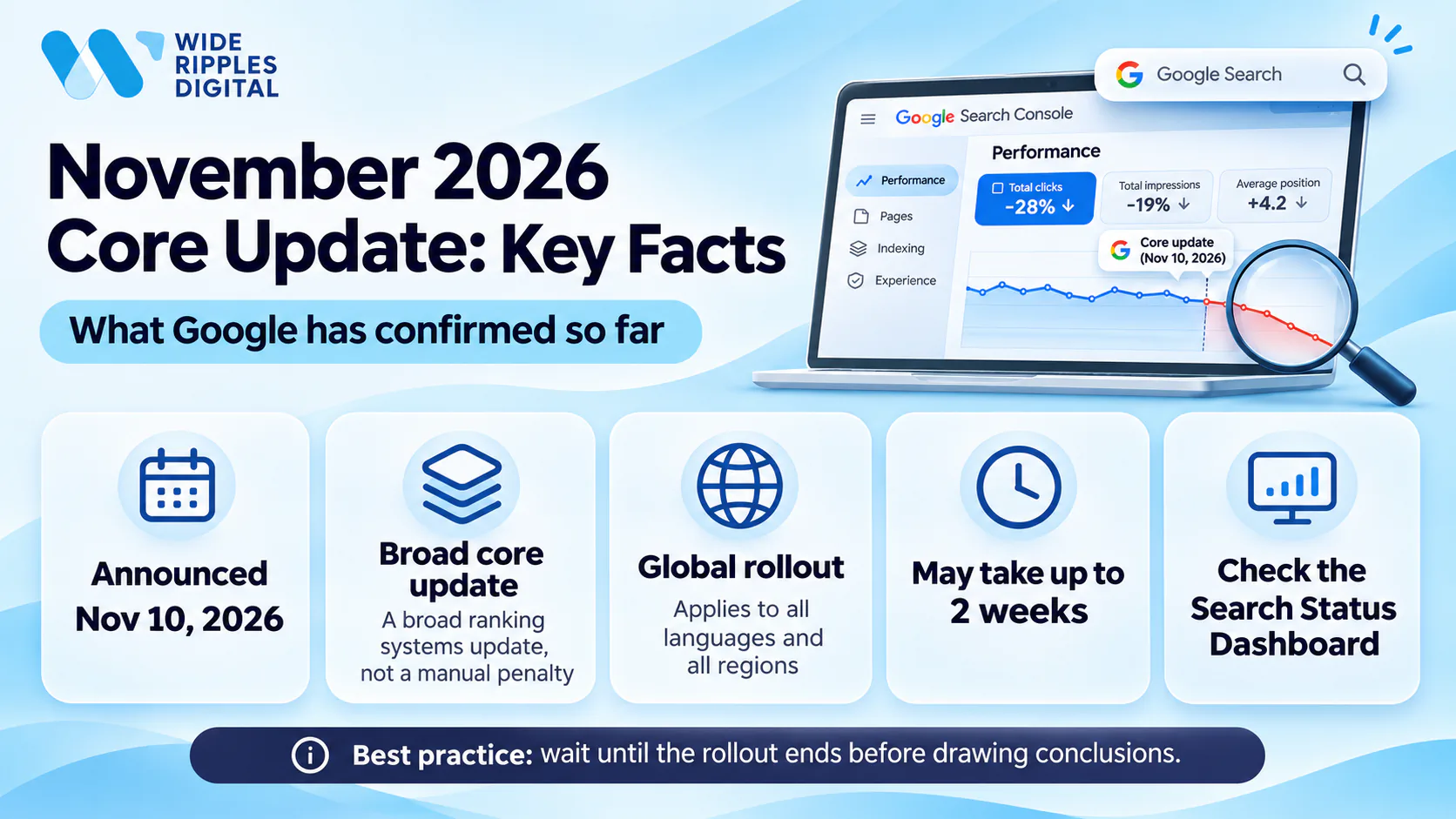
Here is what Google has confirmed so far. The rollout started on November 10, 2026, and it may take up to two weeks. The update applies globally and to all languages. As of November 18, 2026, the rollout is still in progress. You can follow its status on Google's Search Status Dashboard.
Google says core updates aim to keep search results helpful and reliable. It compares this to a list of favourite restaurants that changes as new places open. If your page drops, it does not automatically mean your page is bad. Other pages may simply serve your searchers better right now.
How to check if the November 2026 core update affected your website
A traffic drop during the rollout does not always mean the update caused it.
Before you change anything on your site, we recommend these three checks.
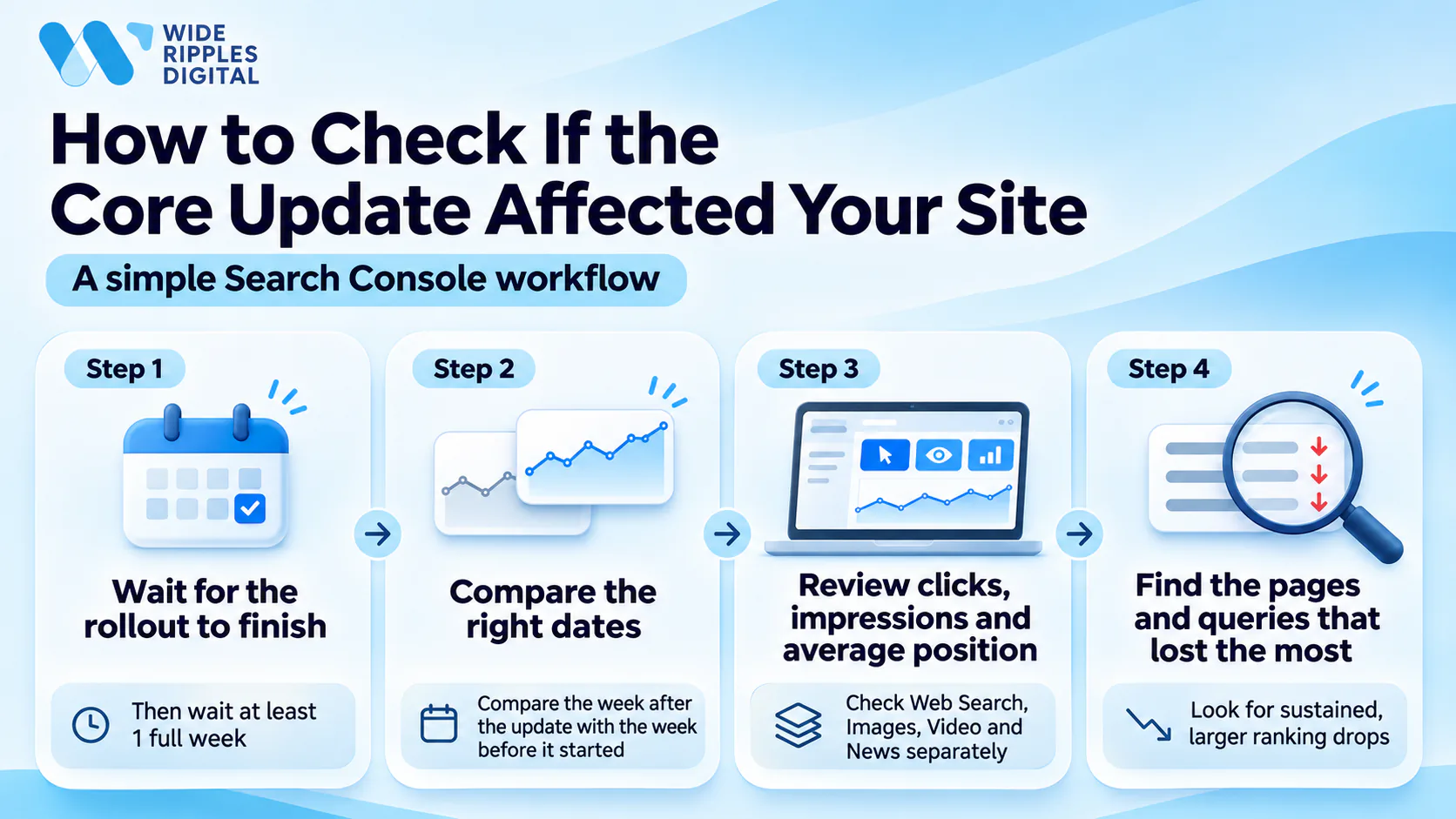
Compare your traffic before and after November 10
Start by confirming on the Search Status Dashboard that the rollout has finished. Then wait at least one full week after it ends. This gives you enough data to make a fair comparison.
Next, open the Performance report in Google Search Console. Compare the week after the rollout ended with the week before it began. Look at your organic clicks, impressions and average position. We also suggest checking Web Search, Images, Video and News separately. This shows you exactly where the drop happened.
Identify which pages and keywords lost rankings
In compare mode, open the Pages tab and sort by the difference in clicks. Note the pages that lost the most traffic. Then open the Queries tab for each of those pages.
Look at which searches lost impressions, clicks or positions. This tells you whether your whole site dropped or only certain pages. The size of the drop matters too. If a page moved from position 2 to 4, you do not need drastic action. If it fell from position 4 to 29, it needs a closer review. Google also advises you not to change pages that are still performing well.
Rule out other causes of traffic loss
Rankings can rise or fall for reasons that have nothing to do with the update. Before you link your drop to the update, ask yourself these questions:
- Has search demand for your topics dropped because of the season?
- Can Google still crawl and index your important pages?
- Did you recently redesign your site, move it or change any URLs?
- Has your site had slow loading times, broken redirects or downtime?
If you answer yes to any of these, fix that issue first.
What to check if your traffic dropped after the core update
Once you know which pages lost rankings, you can review them one by one. We suggest you start with the pages that bring you the most leads or sales.
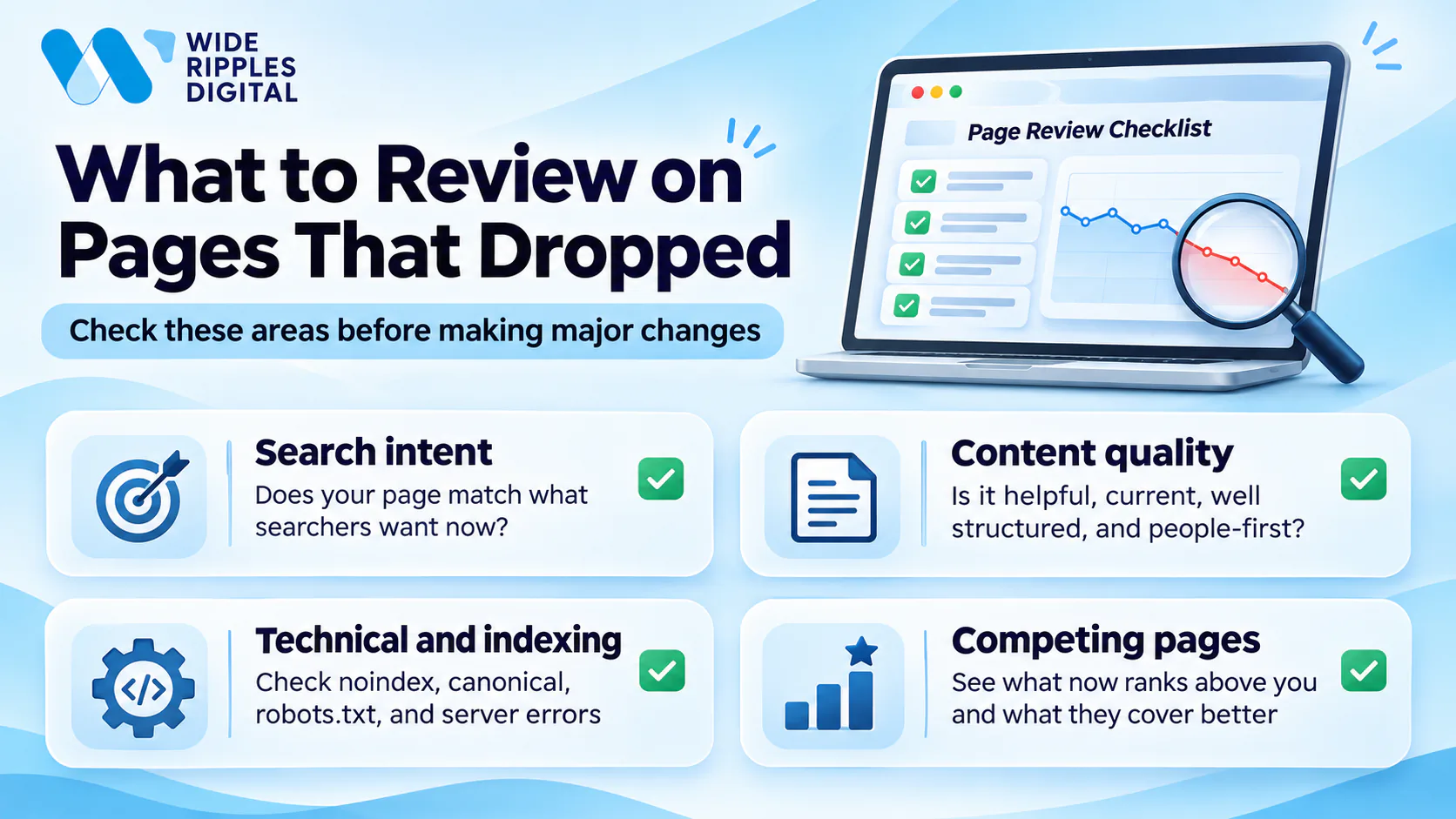
1. Check whether your content matches search intent
Search your main keyword on Google and study the pages that now rank at the top. Ask yourself what type of page Google prefers for that search. It may favour guides, product pages, comparisons or local service pages.
Then compare those pages with yours. Do they answer your customer's question faster or in more detail? Make a note of any missing topics or outdated facts on your page.
2. Review the quality of your affected pages
Google recommends reviewing your whole site, not just single pages. Use its self-assessment questions to check whether your content is helpful, reliable and written for people first. Try to answer each question honestly. You can also ask trusted people outside your business to review your site.
After that, review your most affected pages with the same questions. Keep in mind that other pages may now answer those searches better than yours.
3. Check technical SEO and indexing issues
Paste each affected URL into the URL Inspection tool in Search Console. This confirms whether Google can crawl and index the page. While you are there, check for these common problems:
- Your page may have a noindex tag that hides it from search results.
- Your canonical tag may point Google to a different URL.
- A rule in your robots.txt file may be blocking an important page.
- Your server may be returning errors, such as 5xx responses.
Fix these issues before you change any content. A technical website analysis can check every page on your site for crawl and index issues at once.
4. Check which competitors replaced your rankings
Look up the pages that now rank above yours for the keywords you lost. Compare how well each one answers the same search. Pay attention to their structure, depth, examples and freshness.
You may find details or questions that your page does not cover yet. Add these gaps to your list of improvements.
What should you do if your rankings dropped?
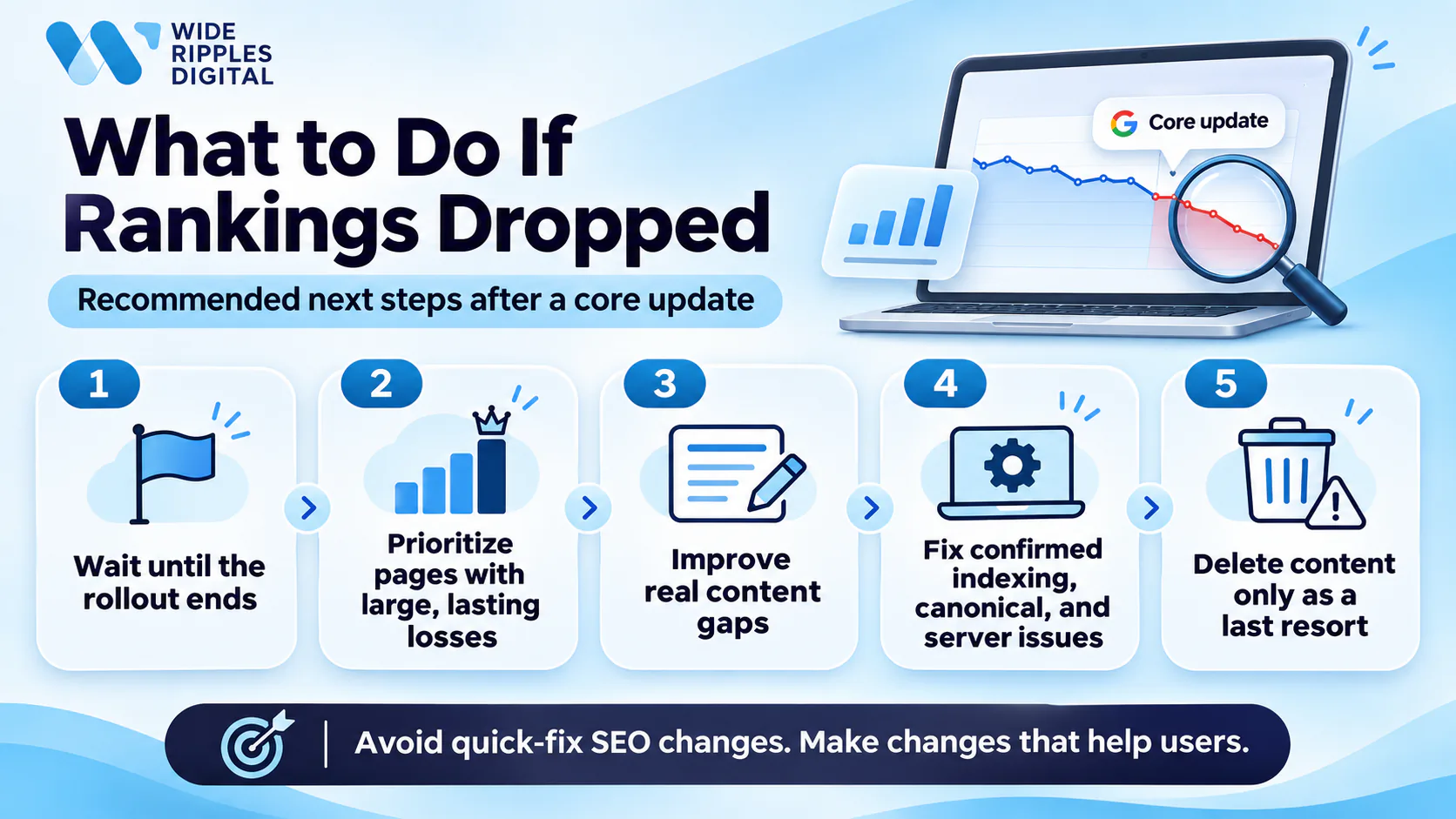
Your next steps should be careful and based on evidence. Google's guidance on core updates warns against quick fixes. We recommend you follow these steps in order:
- Wait until the rollout ends, because your rankings may move several times while it is still running.
- Focus first on pages that suffered large, lasting losses and normally bring you leads or sales.
- Improve content where you find real gaps by adding missing answers or restructuring the page.
- Fix the indexing, canonical and server errors that you confirmed in Search Console.
- Treat deleting content as a last resort, and only remove pages that you cannot improve.
A structured SEO audit helps you check content, technical issues and user experience in the right order.
How long does it take to recover from a Google core update?
There is no fixed timeline for recovering from a core update. Some of your changes may take effect within a few days. However, Google's systems may need several months to confirm that your site is consistently helpful.
If several months pass with no change, you may need to wait for the next core update. Google also releases smaller core updates without announcing them, and these can lift your rankings too. Keep in mind that Google does not guarantee your changes will improve rankings.
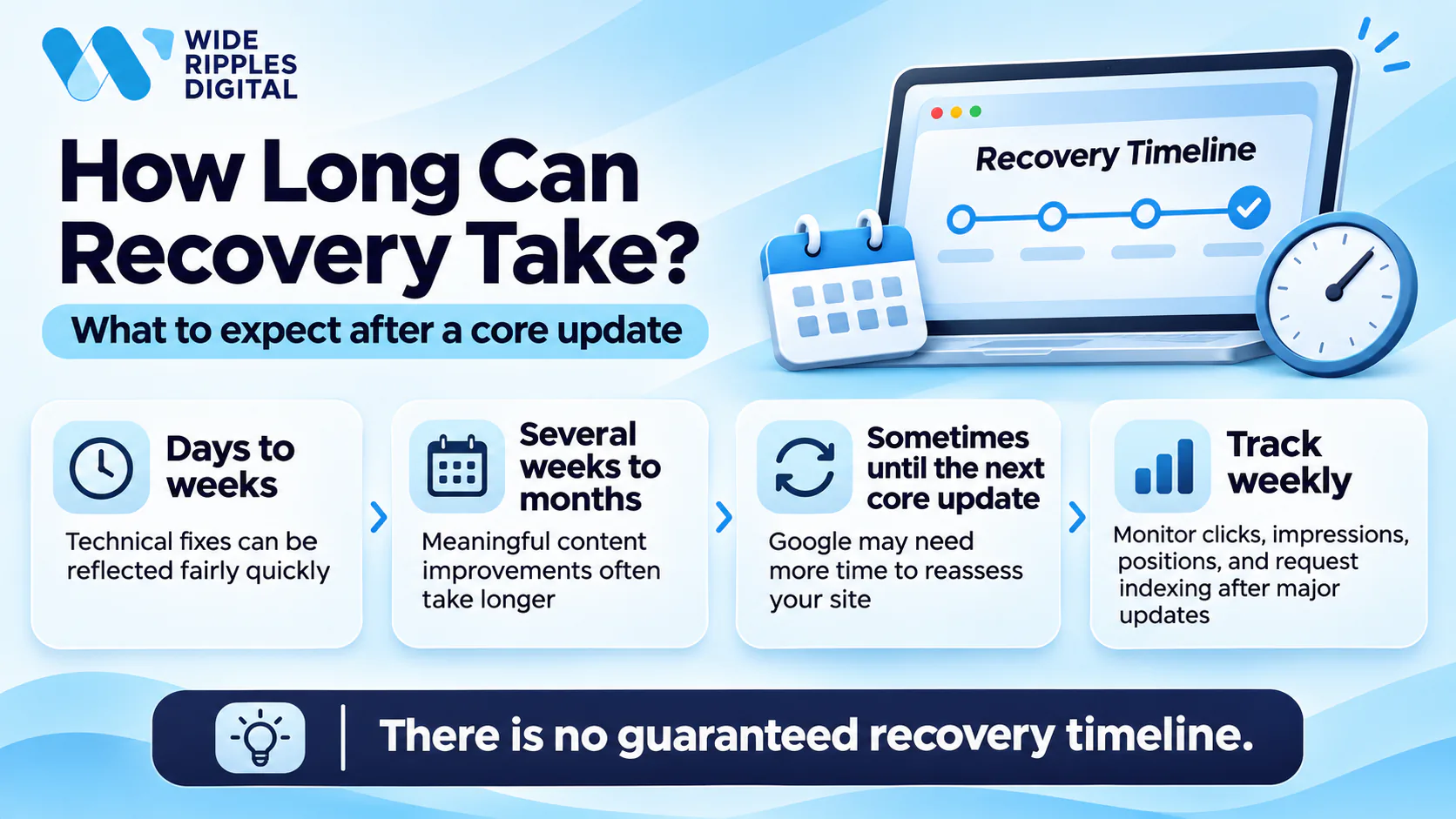
While you wait, we suggest you track your progress in Search Console every week:
- Compare clicks and impressions for the pages you have updated.
- Watch how the average position of your main keywords changes.
- Use the URL Inspection tool to request indexing after any major change.
Find the real cause of your traffic drop before you change anything
Quick changes made during the rollout often do more harm than good. We recommend you wait one full week after the update ends, then compare your Search Console data.
Once you have that data, check your affected pages for search intent, content quality and technical errors. Compare them with the pages that replaced you, and fix only what the evidence supports.
If your traffic has not returned after several months, your content and technical health need a deeper look. Our SEO services cover this full review and the fixes that follow.
Not sure why your traffic dropped? Call +1 416-668-6969 or book a free SEO audit, and we will show you which pages lost rankings and why.
FAQs about Google's November 2026 core update
Below, we answer the questions our clients ask most often about this update.
Is Google's November 2026 core update still rolling out?
Yes. As of November 18, 2026, the rollout is still in progress. Based on Google's two-week estimate, it should finish around November 24. You can check the latest status on Google's Search Status Dashboard.
Why did my website lose traffic after the November update?
Google may now see other pages as more helpful for your keywords. Your rankings can also rise or fall for reasons unrelated to the update.
Does a core update traffic drop mean my website was penalized?
No, your website has not been penalized. Google describes core updates as broad changes that do not target specific sites or pages. A drop usually means other pages now serve your searchers better.
Should I update or delete pages that lost rankings?
You should improve pages with clear quality gaps by rewriting or restructuring them. Google treats deleting content as a last resort for pages you cannot improve.
Can rankings recover after a Google core update?
Yes, your rankings can recover once you improve your pages and Google reassesses them. Recovery may take months, and some sites only recover during a later core update.
Source: Google Search Central, Google Search's core updates
Disclaimer: The information provided in this blog is for general informational purposes only. For professional assistance and advice, please contact experts.

Written by Umer Kureshi
Search and Performance Lead
Umer leads search and performance at Wide Ripples Digital and heads SEO and marketing at Bestax. His work covers technical SEO, content strategy, internal linking and local search, and he builds each plan around the gaps in a client’s niche rather than a copied playbook. On one campaign that approach took a site from 30 clicks a day to 12,953 in a single day.
Reviewed by Usman Shafique, Organic Growth Strategist
Last updated November 18, 2026 · Umer Kureshi on LinkedIn