Managed SEO Automation: Faster Workflows, Higher Expectations
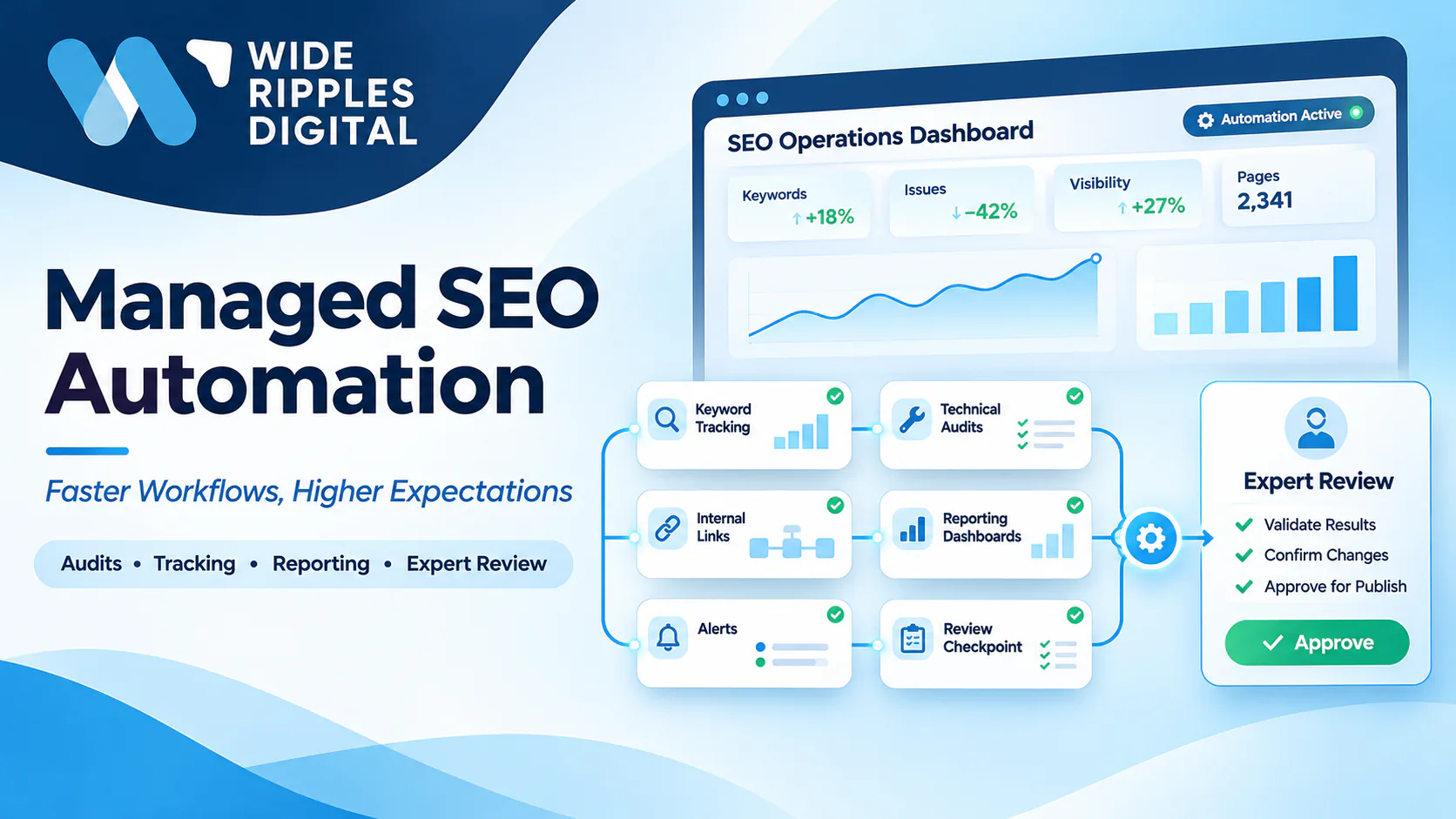
If you manage a growing website, SEO automation can reduce the hours your team spends on routine work. The starting point is knowing which tasks software can handle and which still need an expert.
Automation speeds up audits, tracking and reporting. However, it does not improve rankings on its own, so plan the review process before you automate.
Managed SEO automation combines automated workflows with specialist oversight. In this article, we explain what to automate, what needs expert review and how to measure results.
What is SEO automation?
SEO automation is the use of software to complete repetitive SEO tasks on a schedule or trigger. These tools collect data, run checks and send alerts without manual effort each time.
In manual SEO, a specialist completes each step by hand. In automated SEO, software runs the same steps, and the specialist reviews the output.
Managed SEO automation adds a further layer of control. Specialists design the workflows, supervise the results and decide which changes go live.
How managed SEO automation differs from fully automated SEO
The main difference lies in who makes the final decision.
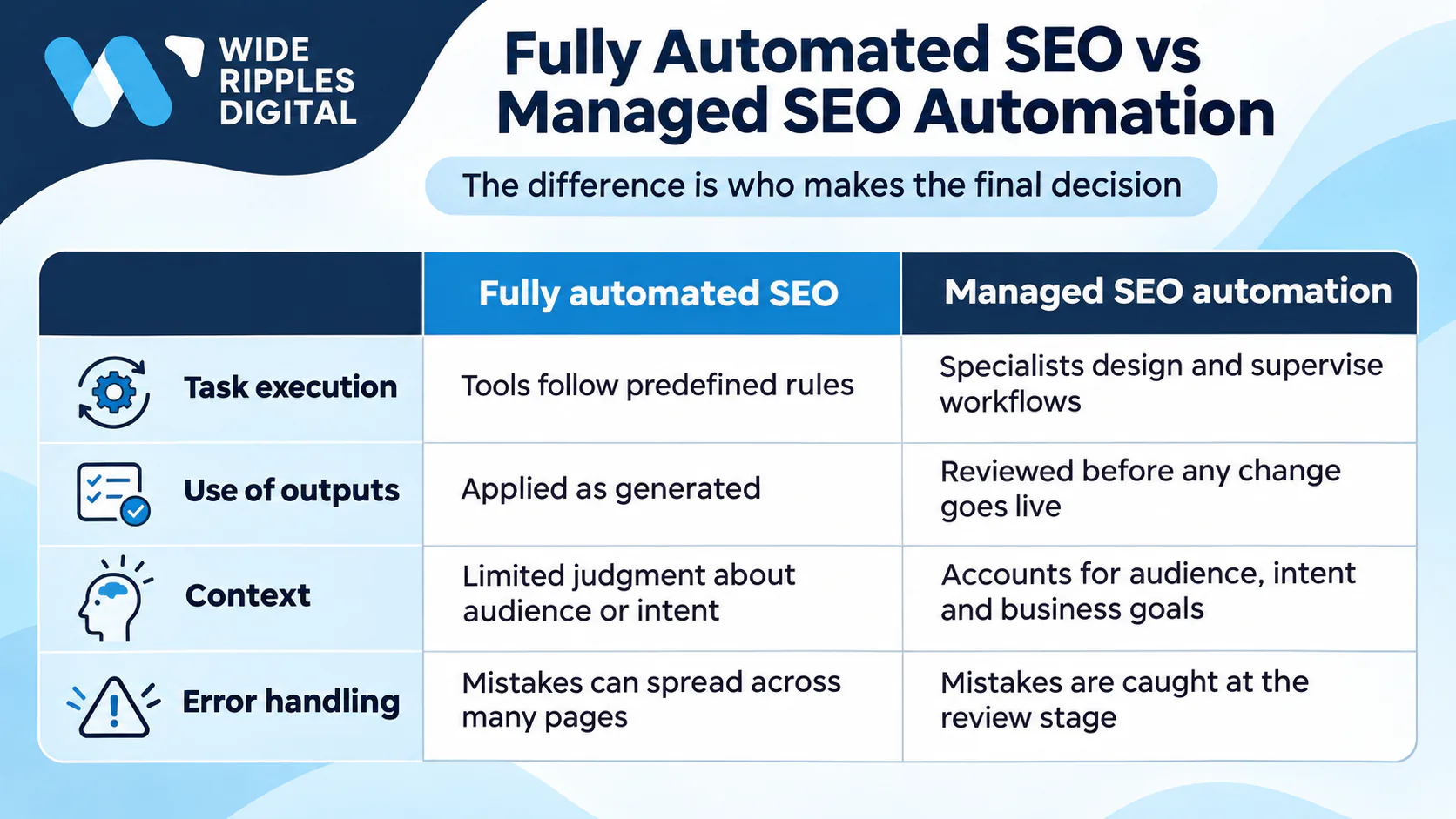
| Area | Fully automated SEO | Managed SEO automation |
|---|---|---|
| Task execution | Tools follow predefined rules | Specialists design and supervise workflows |
| Use of outputs | Applied as generated | Reviewed before any change goes live |
| Context | Limited judgment about audience or intent | Accounts for audience, intent and business goals |
| Error handling | Mistakes can spread across many pages | Mistakes are caught at the review stage |
Fully automated SEO is fast. However, speed without context can produce changes that do not serve your business.
Why businesses are automating SEO workflows
The main reason is time. SEO workflow automation removes repetitive work, so your team can focus on decisions that affect growth.
- Less manual work: Data collection and reporting run without a person repeating each step.
- Wider coverage: Your team can monitor hundreds of pages without a matching increase in hours.
- Faster detection: Automated checks flag broken pages and indexing issues soon after they appear.
- Consistent reporting: Each report draws on the same sources and follows the same format.
These benefits address efficiency only. Rankings still depend on the decisions your team makes.
What can be automated in SEO?
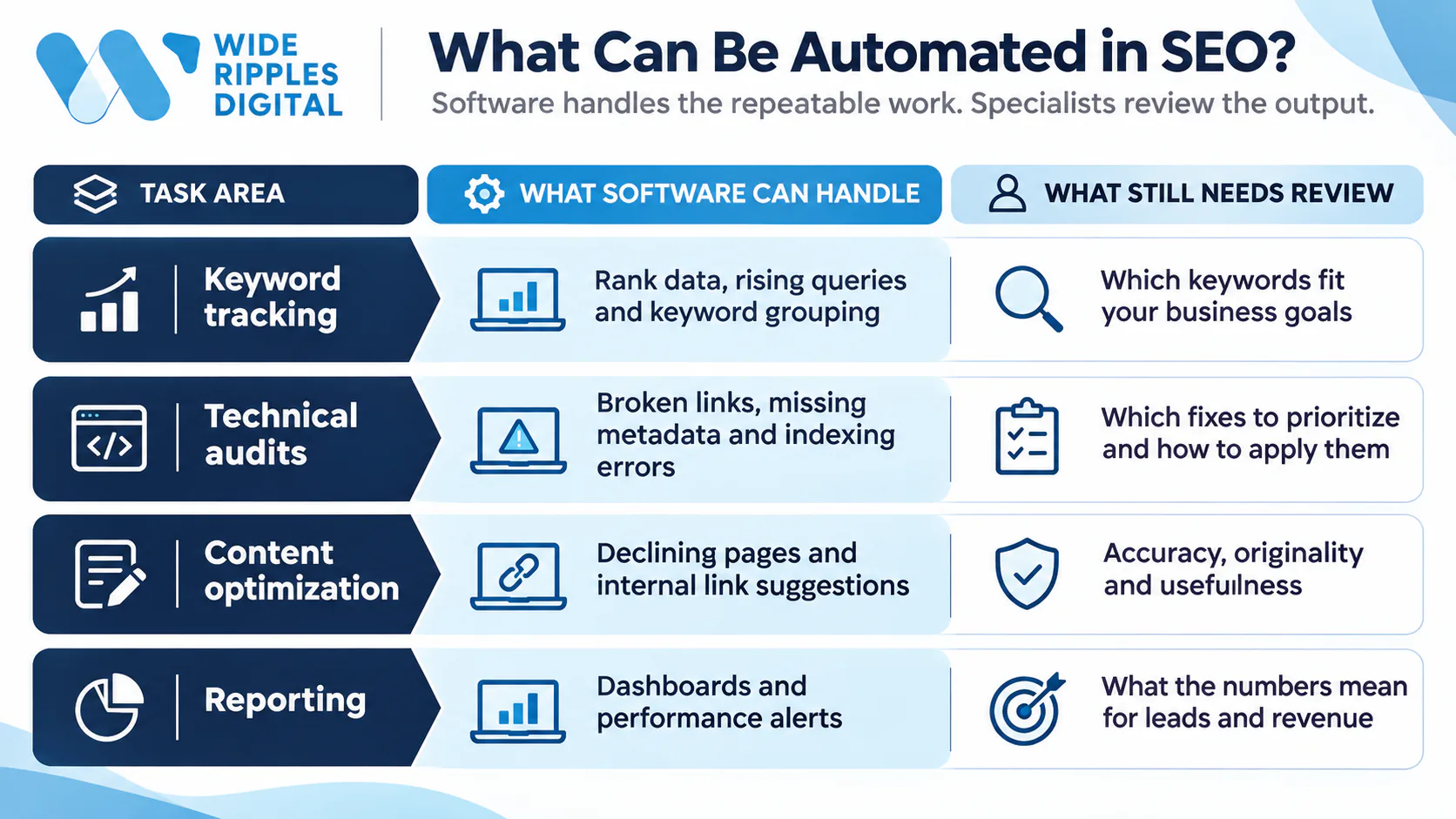
Many SEO tasks follow clear rules and repeat often. These are the strongest candidates for automation.
| Task area | What software can handle | What still needs review |
|---|---|---|
| Keyword tracking | Rank data, rising queries and keyword grouping | Which keywords fit your business goals |
| Technical audits | Broken links, missing metadata and indexing errors | Which fixes to prioritize and how to apply them |
| Content optimization | Declining pages and internal link suggestions | Accuracy, originality and usefulness |
| Reporting | Dashboards and performance alerts | What the numbers mean for leads and revenue |
Keyword research and performance tracking
Automated SEO tools collect keyword data daily and show how rankings change over time. They also group related queries and flag pages close to page one.
For example, a weekly report may show a service page dropping from position 4 to 11. Your specialist then reviews that page the same week. Our guide on how to do keyword research for SEO covers the manual side of this process.
Technical SEO audits
Scheduled crawls detect broken links, redirect chains and missing titles or meta descriptions. They also flag canonical errors, indexing blocks and Core Web Vitals issues.
For example, a monthly crawl may find product pages without meta descriptions. The team then writes unique descriptions, starting with the highest-traffic pages.
Content optimization and internal linking
AI SEO automation can review a full content library and identify pages losing traffic. It can also suggest internal links and draft initial content briefs.
SEO reporting and analytics
Reporting is one of the easiest tasks to automate. Software pulls Search Console and analytics data into dashboards and sends alerts when key metrics drop.
Our campaign tracking and reporting team builds these dashboards around leads rather than vanity metrics.
How a managed SEO automation workflow works
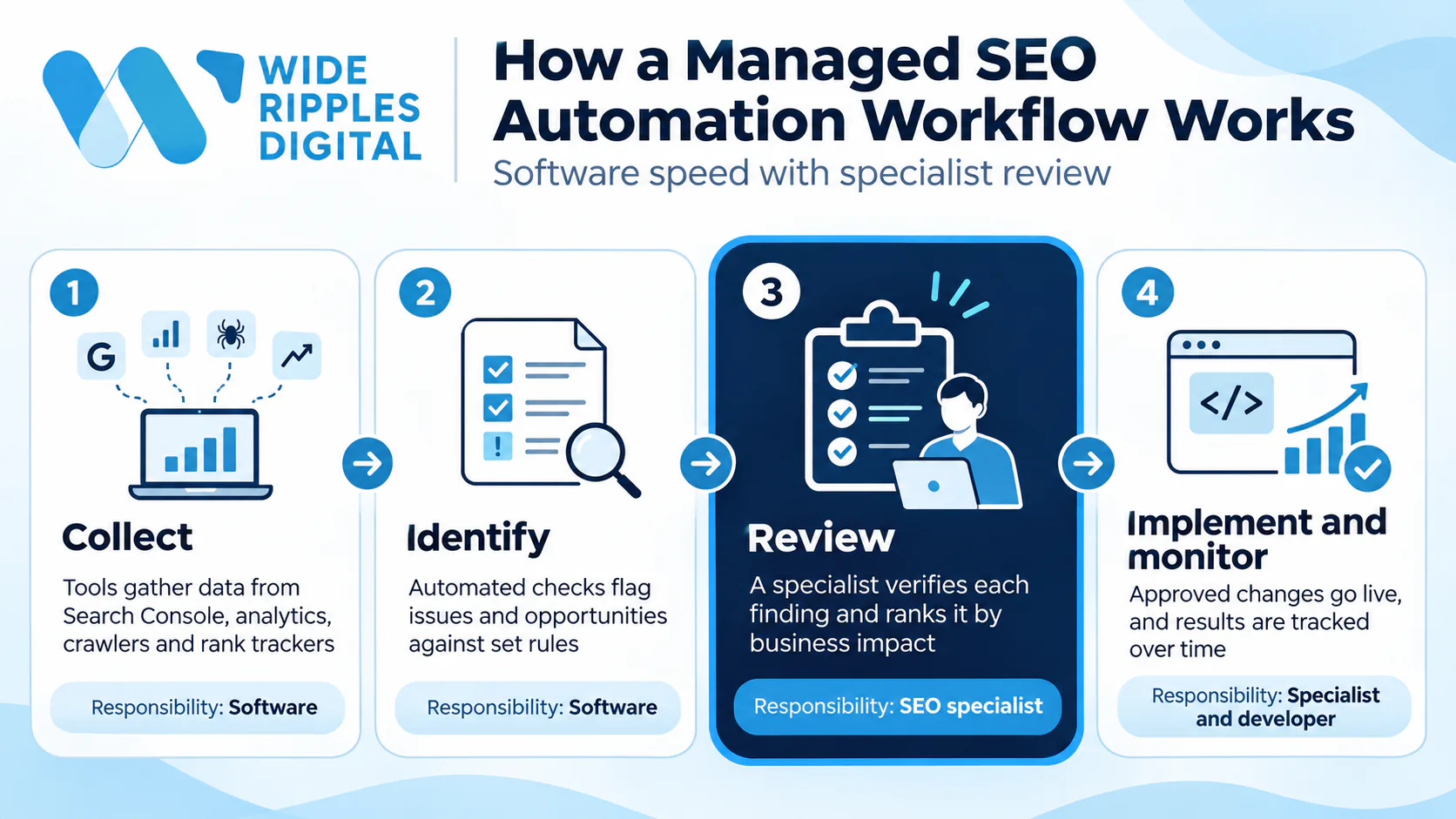
A managed workflow connects software speed with specialist review. It typically follows four stages.
| Stage | What happens | Responsibility |
|---|---|---|
| 1. Collect | Tools gather data from Search Console, analytics, crawlers and rank trackers | Software |
| 2. Identify | Automated checks flag issues and opportunities against set rules | Software |
| 3. Review | A specialist verifies each finding and ranks it by business impact | SEO specialist |
| 4. Implement and monitor | Approved changes go live, and results are tracked over time | Specialist and developer |
For example, an automated audit may flag a canonical tag pointing to the wrong URL. The specialist confirms the error, tests the fix on staging and then publishes it.
At Wide Ripples, every automated finding passes this review before anything changes on a client's site. The review stage is not optional, because some SEO decisions should never be left to software.
What you should never leave entirely to SEO automation
Automation handles data well. However, four areas still require professional judgment.
- SEO strategy and search intent: Tools show what people search for. They cannot decide which audience matters most to your business.
- Content quality and fact-checking: AI can draft outlines quickly. Every draft still needs a human check for accuracy, originality and usefulness.
- High-impact technical changes: Redirects, canonical tags and indexing rules can remove pages from search. A specialist should test these changes before publishing.
- Link building and brand relationships: Strong links come from relevant websites and genuine partnerships. Automated outreach often produces spam and can lead to penalties.
Google allows AI-assisted content. However, mass-producing pages mainly to manipulate rankings breaks Google's spam policies. Our guide on humanizing AI-generated content explains how to turn rough drafts into useful pages.
For technical changes, our guide to canonical URLs covers the most common mistakes. For safe link acquisition, see our link building strategies that still work. If your team lacks this experience, our technical website analysis service can review your site first.
SEO automation tools and software
Most teams use a combination of SEO automation software rather than a single platform.
| Tool | Common use |
|---|---|
| Google Search Console | Search performance and indexing data |
| Screaming Frog | Technical crawling and audits |
| Semrush / Ahrefs | Keyword and competitor research |
| Make / Zapier | Connecting tools and automating workflows |
| Looker Studio | SEO reporting dashboards |
| AI assistants | Drafting, classification and research support |
The right combination depends on your site size, budget and goals. Paying for more software does not automatically produce better results.
At Wide Ripples, our workflow automation service connects these tools to your CRM and reporting.
Risks of relying too much on SEO automation
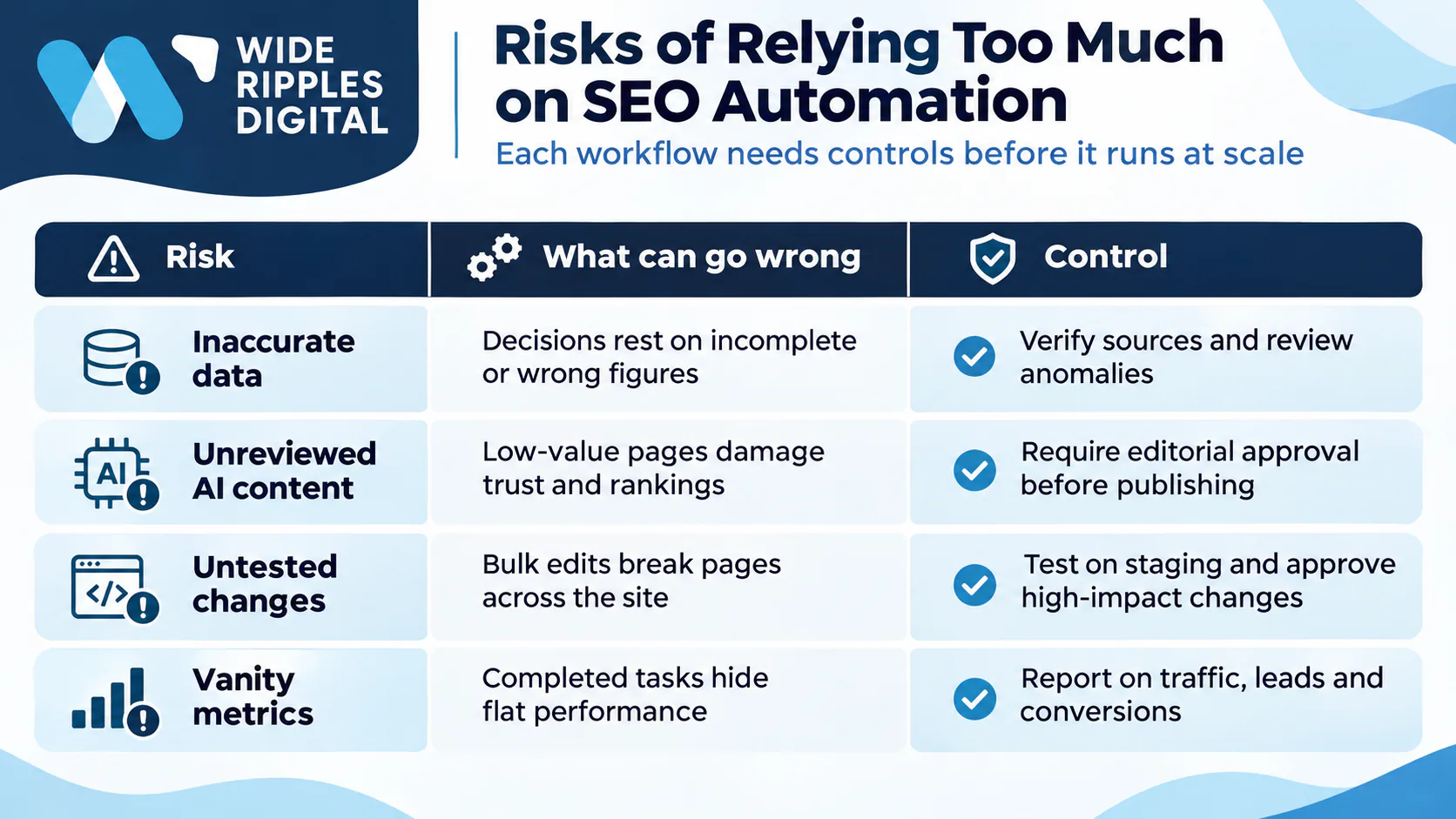
Automation speeds up mistakes as well as good work. Therefore, each workflow needs controls before it runs at scale.
| Risk | What can go wrong | Control |
|---|---|---|
| Inaccurate data | Decisions rest on incomplete or wrong figures | Verify sources and review anomalies |
| Unreviewed AI content | Low-value pages damage trust and rankings | Require editorial approval before publishing |
| Untested changes | Bulk edits break pages across the site | Test on staging and approve high-impact changes |
| Vanity metrics | Completed tasks hide flat performance | Report on traffic, leads and conversions |
Also limit who can edit live settings, and review each workflow regularly.
How to measure the success of SEO automation
Working faster and getting better results are not the same thing. Your measurement plan should therefore track both.
Efficiency metrics include hours saved and technical issues resolved. Outcome metrics include organic clicks, qualified traffic, leads and conversions.
Check content performance after each update, and include the cost of maintaining your workflows.
Our GA4 guide for beginners explains how to track those conversions properly.
Managed SEO vs DIY SEO: which is right for you?
DIY automation suits businesses with experienced in-house SEO specialists. Your team must be able to build workflows, interpret data and implement fixes.
Managed SEO services suit businesses that need more support. This applies if you lack technical knowledge, need a clear strategy or want someone accountable for changes.
| Consideration | DIY automation | Managed SEO services |
|---|---|---|
| Expertise | Required in-house for setup and review | Provided by the agency |
| Strategy | Set by your team | Developed with SEO specialists |
| Reporting | Built and maintained internally | Delivered on a regular schedule |
| Accountability | Sits with your team | Assigned to a dedicated strategist |
Still deciding? Our article on whether paying for SEO is worth it compares the costs and trade-offs.
How to start automating your SEO without losing quality
Our team can coordinate the setup, with review rules built into every workflow.
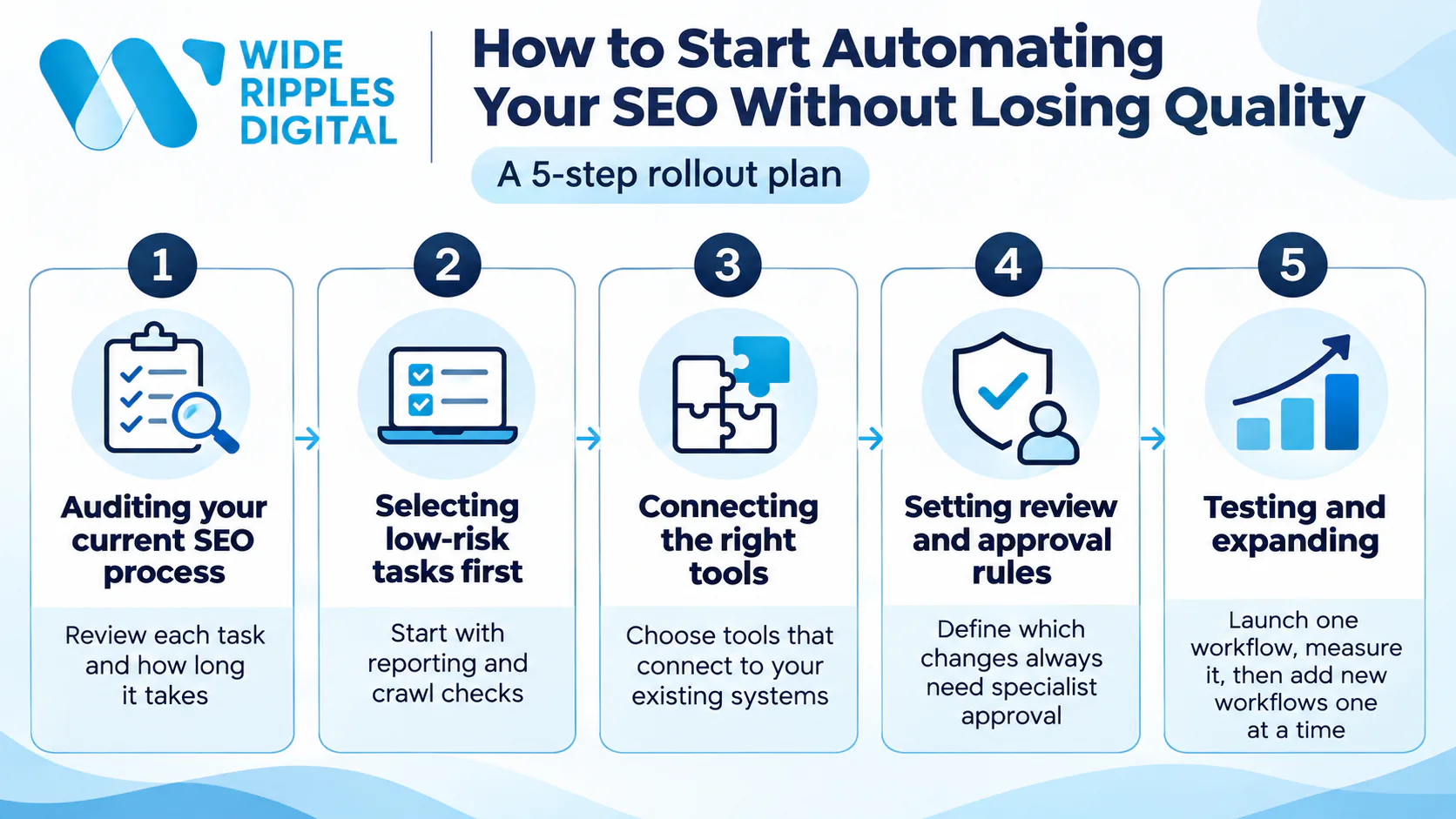
1. Auditing your current SEO process
We review each task and how long it takes. This shows which tasks are repetitive enough to automate.
2. Selecting low-risk tasks first
We start with tasks such as reporting and crawl checks. Errors in these areas are easy to spot and do not affect live pages.
3. Connecting the right tools
We choose tools that connect to your existing systems and avoid manual data transfers.
4. Setting review and approval rules
We define which changes always need specialist approval before publishing.
5. Testing and expanding
We launch one workflow and measure its results for several weeks. Once it proves reliable, we add new workflows one at a time.
AI tools can also support this process, as our guide on using Claude for SEO audits shows.
Get support with SEO automation from Wide Ripples
SEO automation helps your business move faster. However, speed only pays off when specialists direct it toward the right work.
Our Mississauga team combines automated audits, tracking and reporting with specialist review. You keep ownership of every account, and our reports focus on cost per qualified lead. See our SEO and content strategy services.
Want to know which parts of your SEO to automate first? Call +1 416-668-6969 or book a free two-week audit.
Frequently asked questions about SEO automation
Can SEO be fully automated?
No. Software can automate data collection, audits, tracking and reporting. However, strategy, content quality and high-impact technical changes still require human judgment. The strongest results come from automation guided by specialists who understand your audience and goals.
What is the best way to automate SEO tasks?
Start with repetitive, low-risk tasks such as reporting, rank tracking and site crawls. Use tools that connect with Google Search Console and your analytics platform. Add a review step before any change goes live, then measure time saved and performance before expanding.
Does Google penalize automated SEO?
Google does not penalize automation itself. Tools for audits, tracking and reporting are standard practice. Problems arise when automation creates low-value content at scale or builds manipulative links. Reviewed, helpful content created with AI assistance remains acceptable.
Can AI replace an SEO specialist?
No. AI can speed up research, drafting and data analysis. However, it cannot fully understand your business or customers. A specialist still sets strategy, reviews outputs and decides which changes are worth making.
Is managed SEO automation worth it for small businesses?
Often, yes. Small businesses rarely have time to build workflows or interpret SEO data. Managed SEO automation provides monitoring, reporting and expert review without hiring a full team. It is most valuable when you need steady growth and clear accountability.
Disclaimer: The information provided in this blog is for general informational purposes only. For professional assistance and advice, please contact experts.

Written by Umer Kureshi
Search and Performance Lead
Umer leads search and performance at Wide Ripples Digital and heads SEO and marketing at Bestax. His work covers technical SEO, content strategy, internal linking and local search, and he builds each plan around the gaps in a client’s niche rather than a copied playbook. On one campaign that approach took a site from 30 clicks a day to 12,953 in a single day.
Reviewed by Usman Shafique, Organic Growth Strategist
Last updated November 10, 2026 · Umer Kureshi on LinkedIn